The Most Expensive Steam Deck Bag I’ve Ever Received
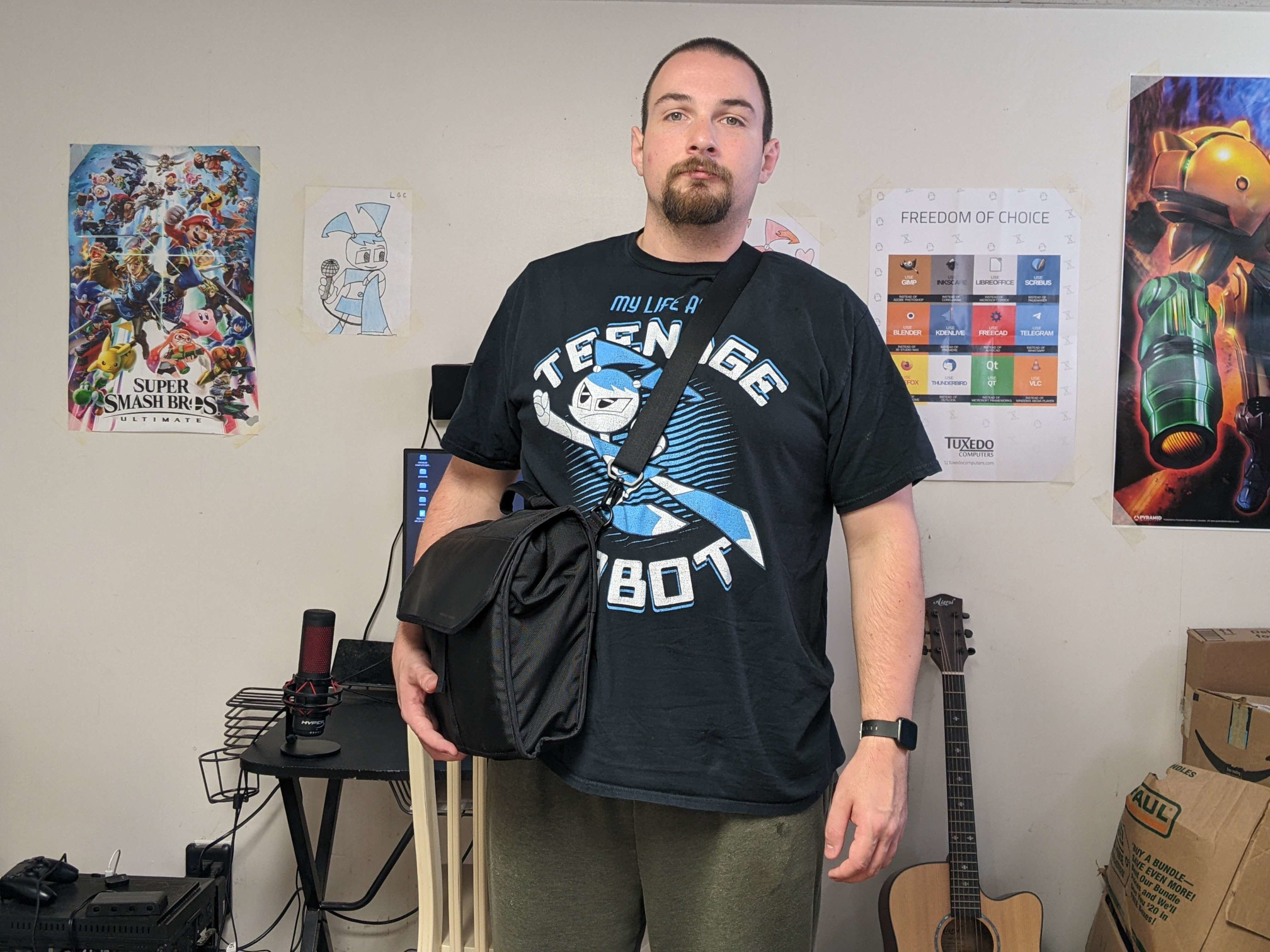
Steam Deck accessories…they abound. But you’re going to need something to carry them all in, right? Introducing the complete case for Steam Deck by WaterField Designs. For once, we actually have a product that isn’t made in China. It’s made in the heart San Francisco, California, USA.
It basically looks and behaves similar to a messenger bag, but tailor-made for the Deck. With it, you can put in:
your Deck, obviously a dock two AC adapters gamepad 75% keyboard mouse an assortment of cables, from USB-C to HDMI, etc.
Steam Deck Client (Beta) Fixes ‘Exiting Forever’ State when Closing Games, Adds Checkbox to Set Default Choice when Launching a Game
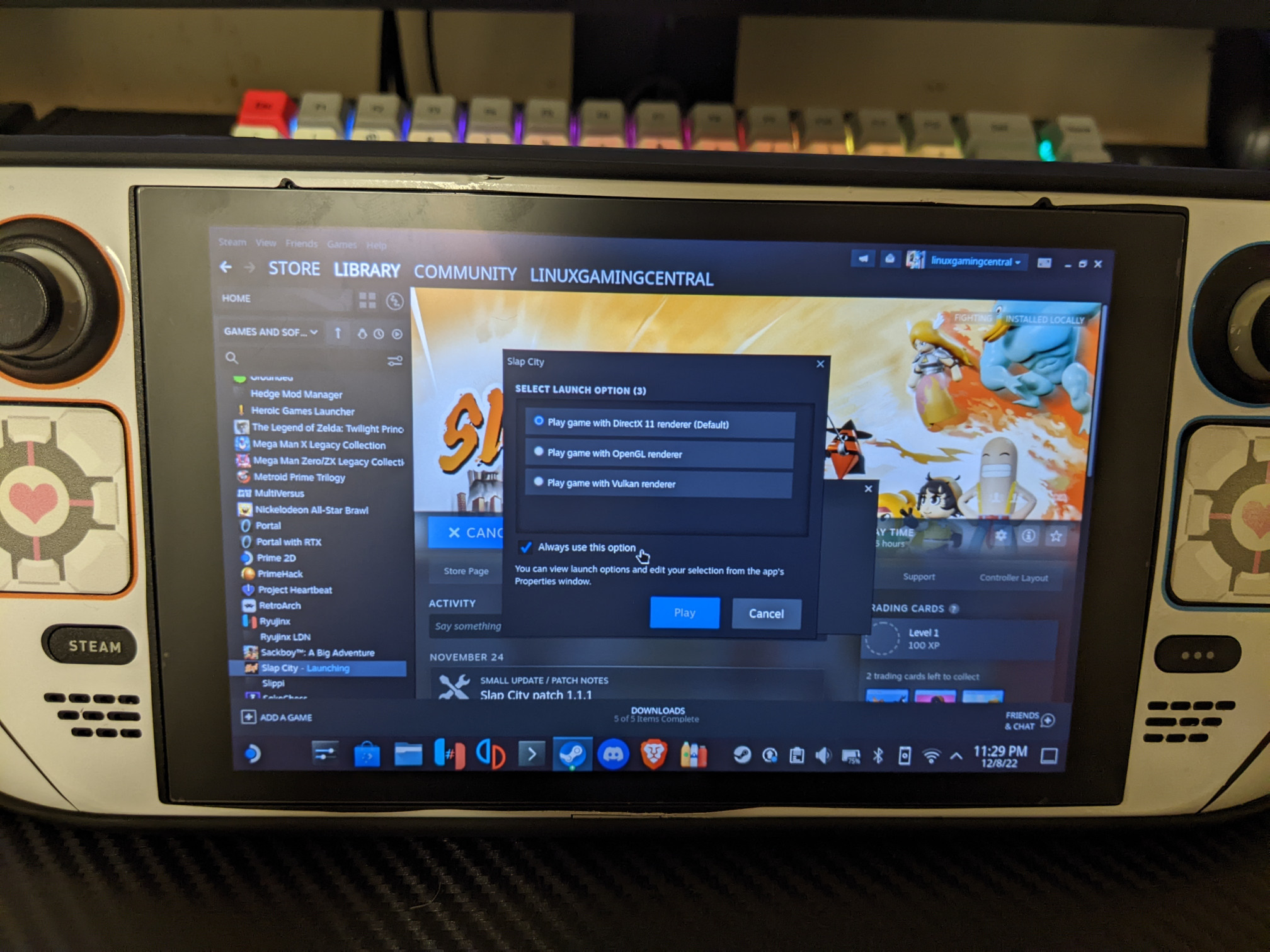
Today’s Deck client update (beta) continues further optimization for loading times for users with big game libraries. A case has been fixed “where the UI would think that a game is running when it’s not, leaving games in an ’exiting forever’ state.” Desktop Mode got some love as well, particularly with the New Big Picture Mode. A checkbox can now be checked off when launching a game that has a selection, making that choice the default selection.
Proton Experimental Adds Support for eXceed - Gun Bullet Children, EA Desktop Should Now Properly Update
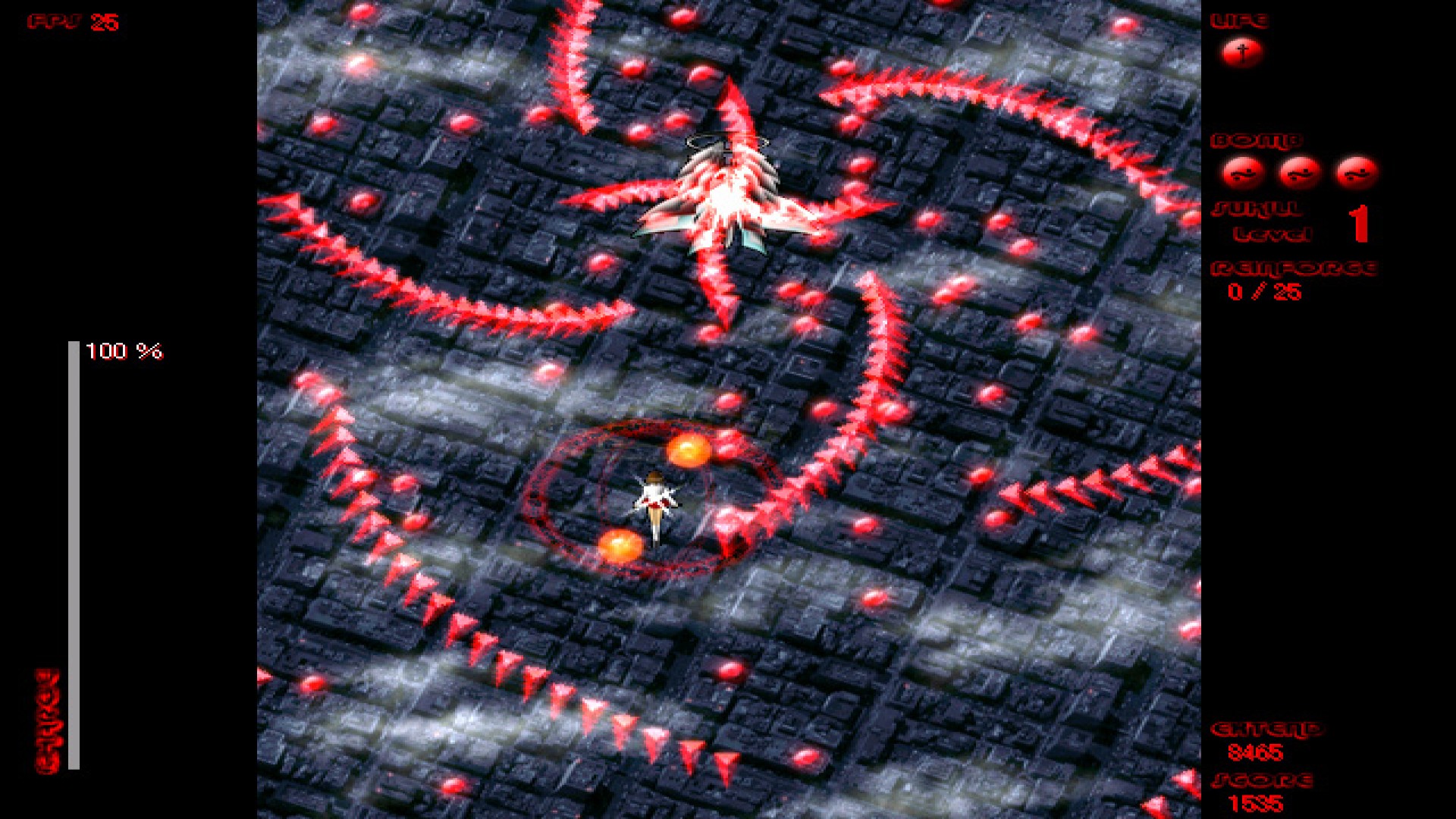
Small update for Proton Experimental is mostly focused on bug fixes. Though we did get a new game to play: eXceed - Gun Bullet Children. The EA Desktop (the EA App? I’m not sure) should now properly update, ensuring that games can now run, though this may require a few game restarts. Forza Horizon (probably both 4 and 5?) should now have the default mapping with the Logitech G920 wheel. And a regression was fixed for the Star Wars: The Old Republic launcher “failing to pen.
System76 Launches the Launch Heavy Keyboard
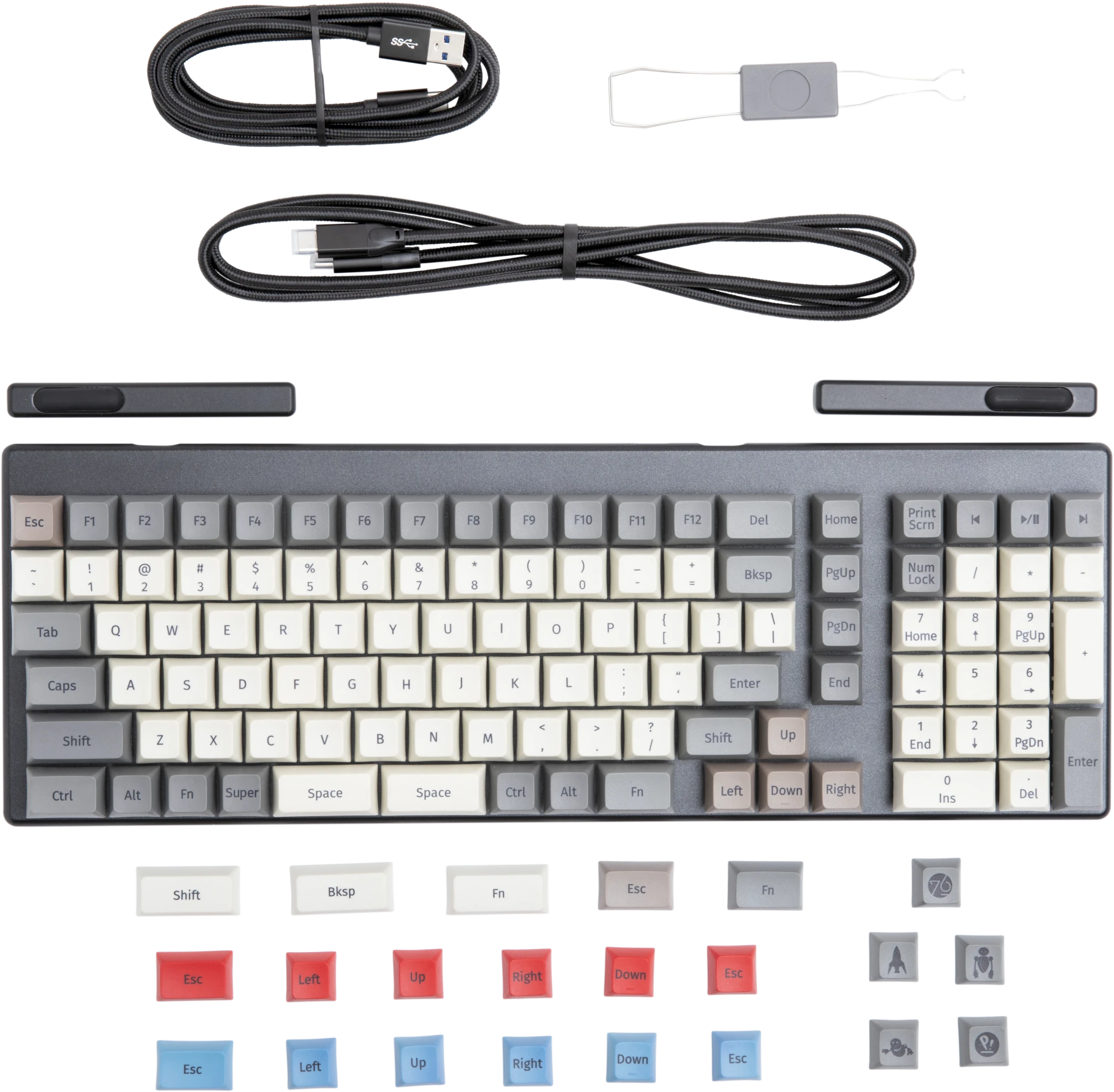
If you’re looking for a keyboard, System76 has every option out there. Whether you want the standard Launch, the Launch Lite for a more affordable keyboard without the USB hub, or want to have as many features as possible with the new Launch Heavy, your bases have been covered.
Apparently the Launch Heavy has been around for the past few weeks, even though the embargo lift date wasn’t until today. At any rate, here’s the features it has over the standard launch:
Portal with RTX Out Now!
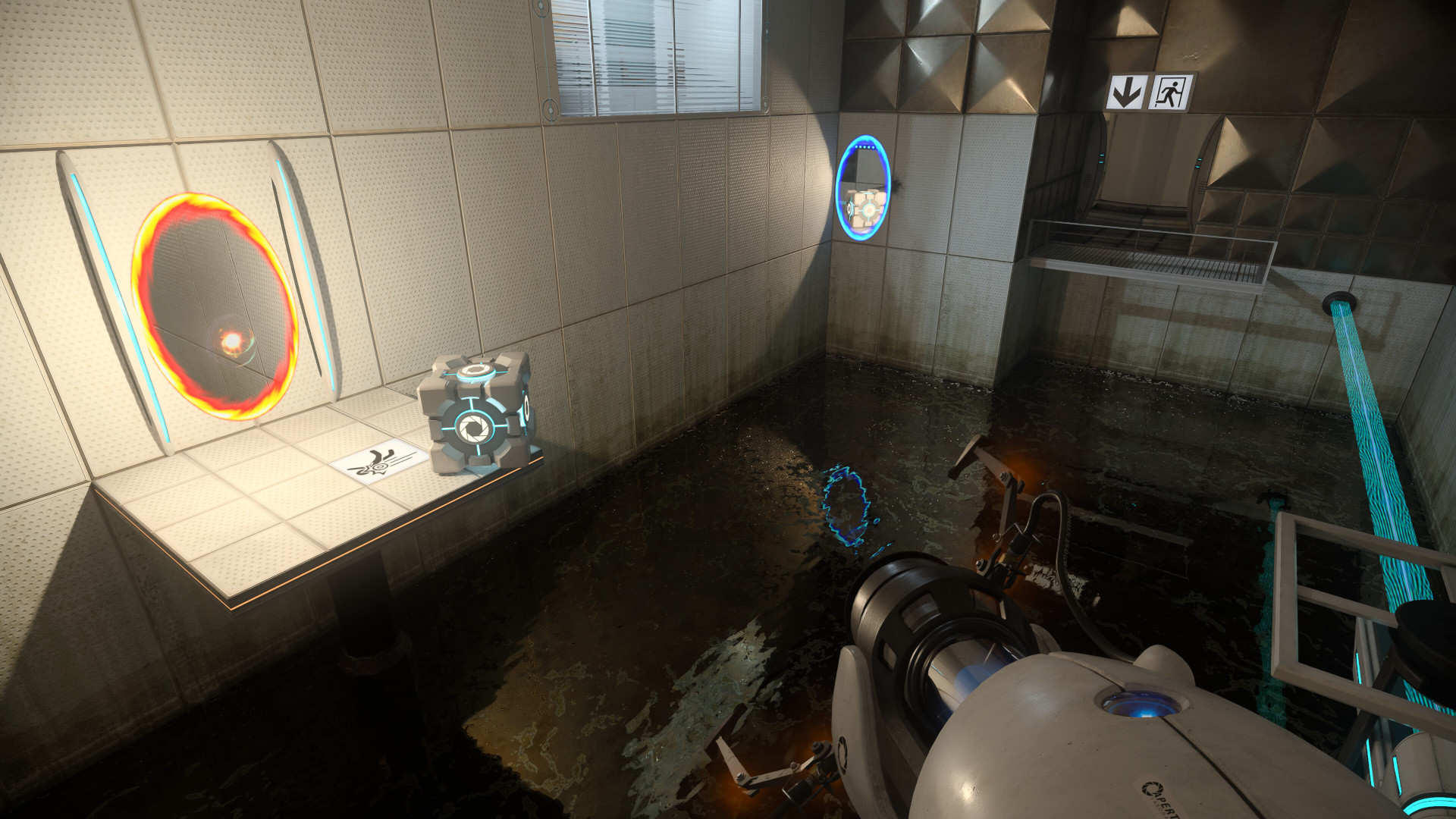
Great news, Portal with RTX is out now!
Per the Steam store page description:
Experience the critically acclaimed and award-winning Portal™ reimagined with ray tracing in this free DLC for Portal owners. Start thinking with portals, with RTX on.
I’d love to report how it runs…if I had a RTX GPU. I should have just kept the Thelio as an excuse to try it. If you don’t have a RTX GPU clicking “Play Game” won’t do anything.
Sackboy: A Big Adventure to Optimization (Unlock DLSS for Non-RTX GPUs, Skip Intro Videos, Use Steam Network Services Instead of Epic Online Services)
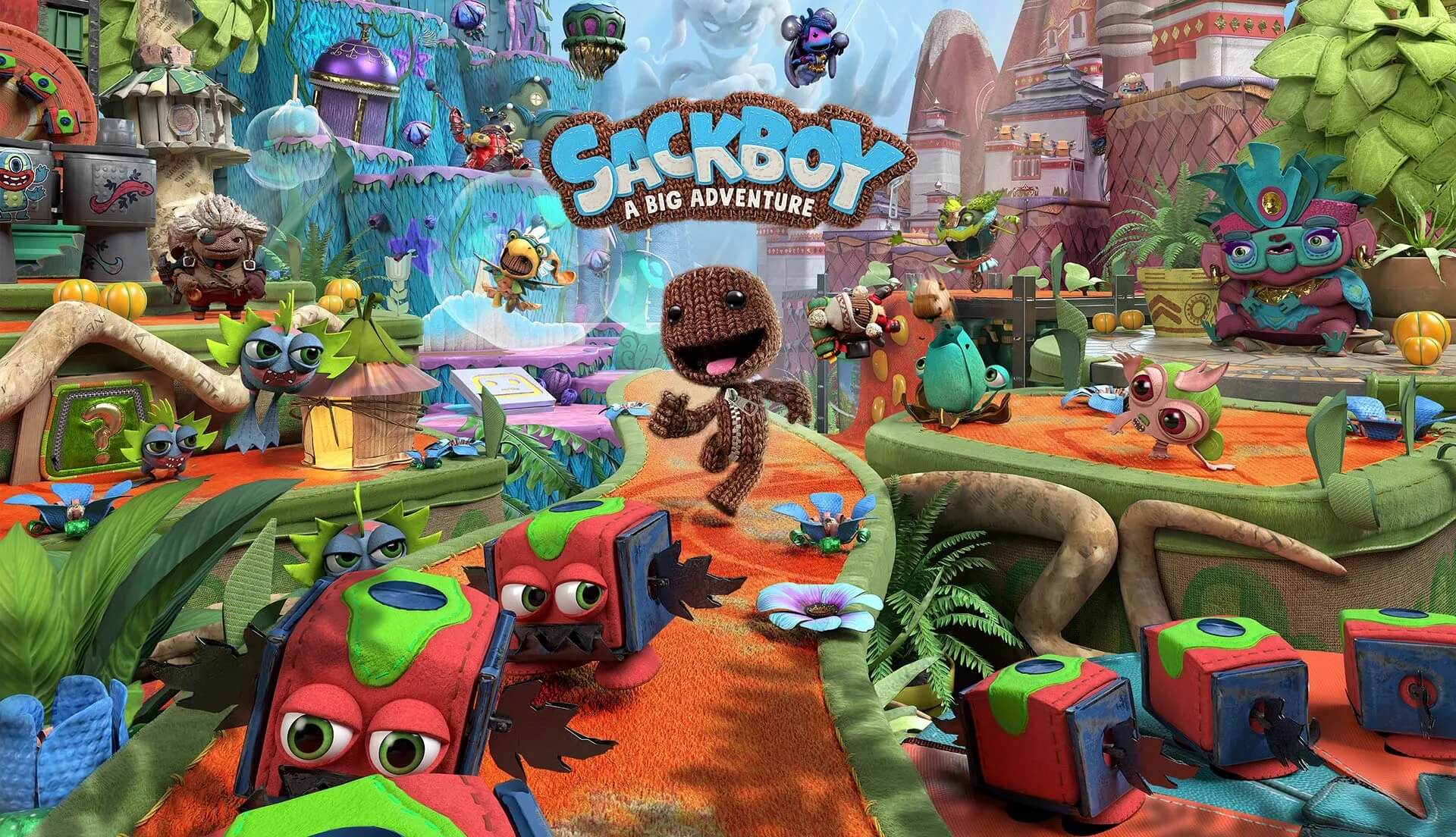
Sackboy: A Big Adventure is a great game. But unfortunately it’s barred by a few annoyances, such as having to deal with the Epic Games login prompt when launching the game, even if you don’t plan on using online multiplayer, and having to see the intro video every time the game is launched. We can save ourselves some time by fixing both of these. Also, your Deck, or your desktop that doesn’t have a RTX GPU, can make use of FSR 2.
Proton 7.0-5 Has Now Become Stable, Adds Support for 14 New Titles and Tons of Fixes
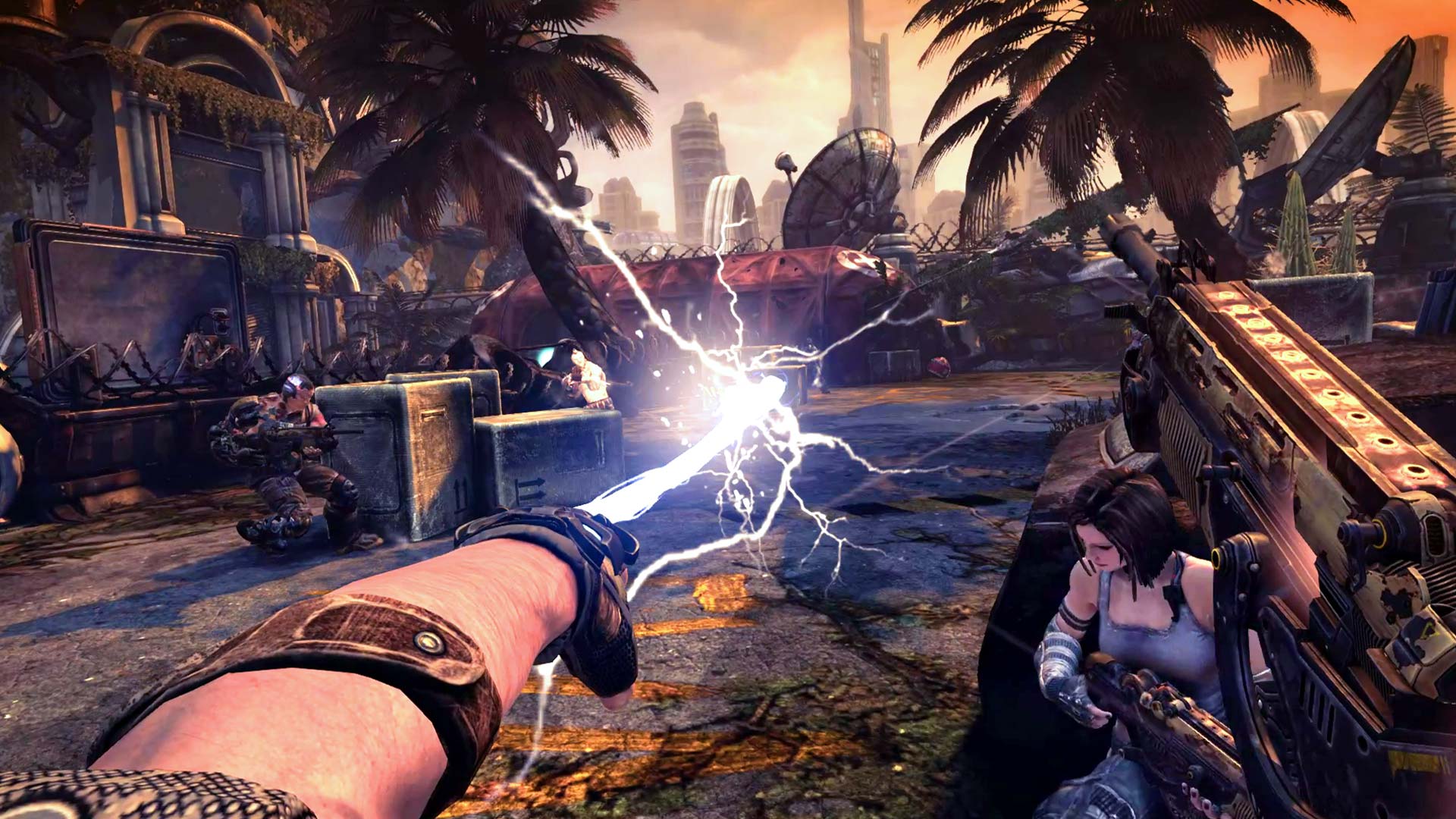
Congratulations to Valve, and especially CodeWeavers, who have tirelessly put forth the effort to make gaming on Linux and the Steam Deck easier and easier as the weeks and months go by. Proton 7.0-5 went from being a release candidate back in October, to Proton Next a month later, and now we’ve hit the stable release.
What’s changed since Proton Next? Well, nothing, really. All of the same games are playable.
Overclock Your Controller for Less Input Lag
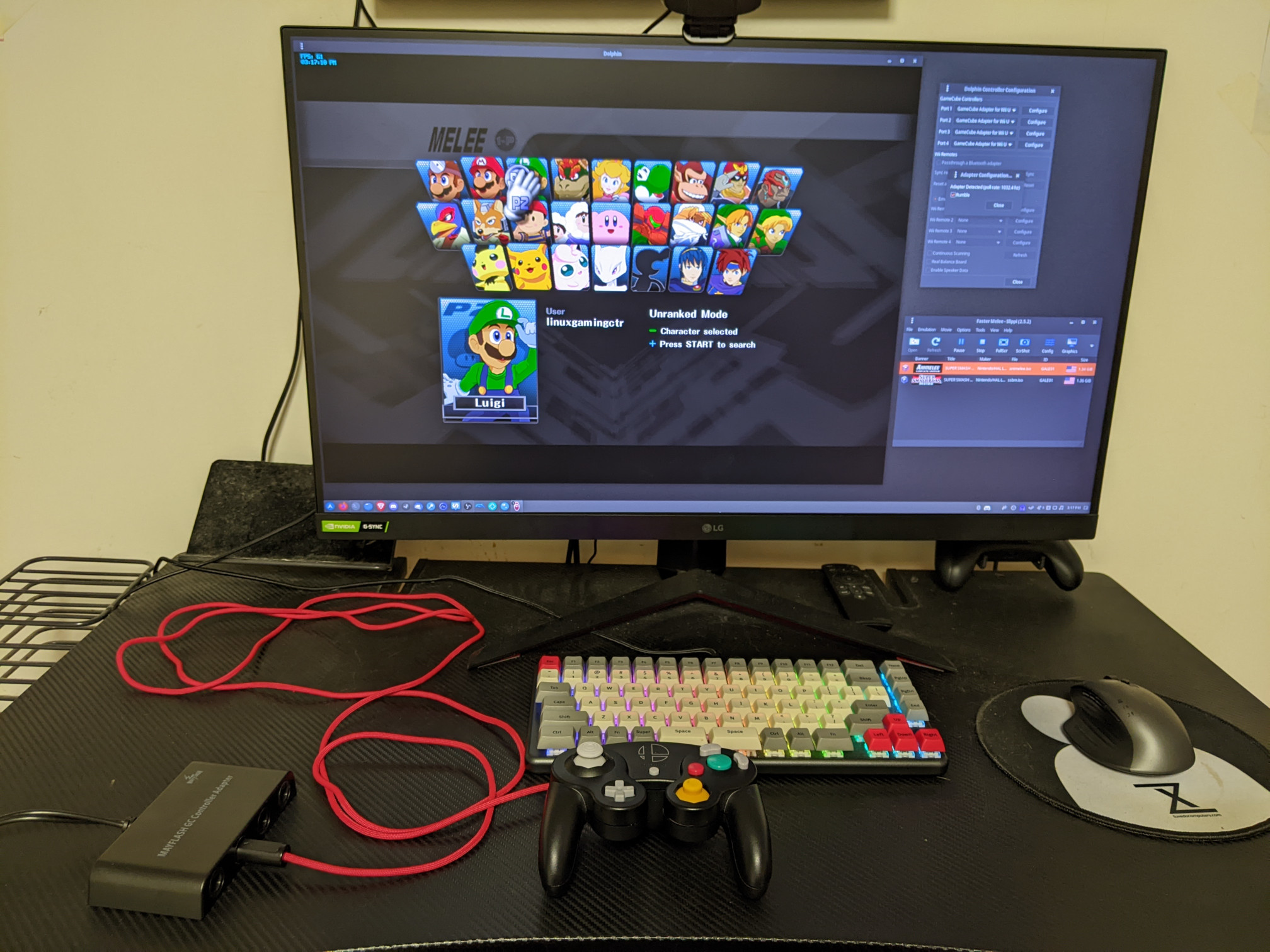
By default, your controller adapter polls at a rate of 125 Hz, or every eight milliseconds. However, by overclocking it, we can increase that rate to nearly 10 times at 1,000 Hz. The result of this overclock, per the document by SSBM_Arte, results in “a much closer experience to console play. It considerably improves the latency stability, which directly impacts execution, and also reduces input lag.”
You might have seen this in action with a mouse.
Heroic Games Launcher 2.5.1 Gets Hotfix, MacOS Improvements
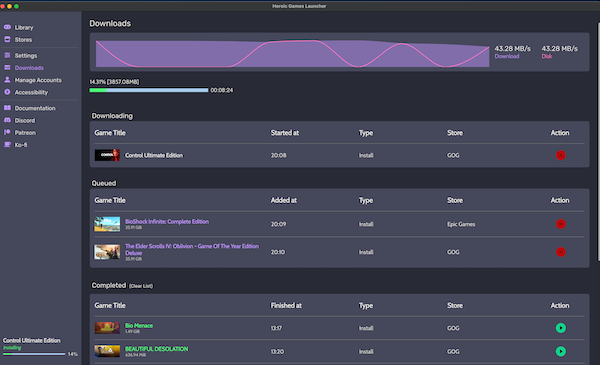
Heroic Games Launcher continues to get TLC from its massive 2.5.0 update. The Mac version of the app definitely got some attention here – with the inclusion of Wine, DXVK, and Winetricks support – but the Linux version got some updates as well. It’s mostly fixes. They are as follows:
Fix the issue with the download’s progress going crazy and duplicating the installation/update. Fix a crash on the Install dialog on some games Fix sideload games not being added to steam automatically.
Increase Steam Deck Performance with CryoUtilities
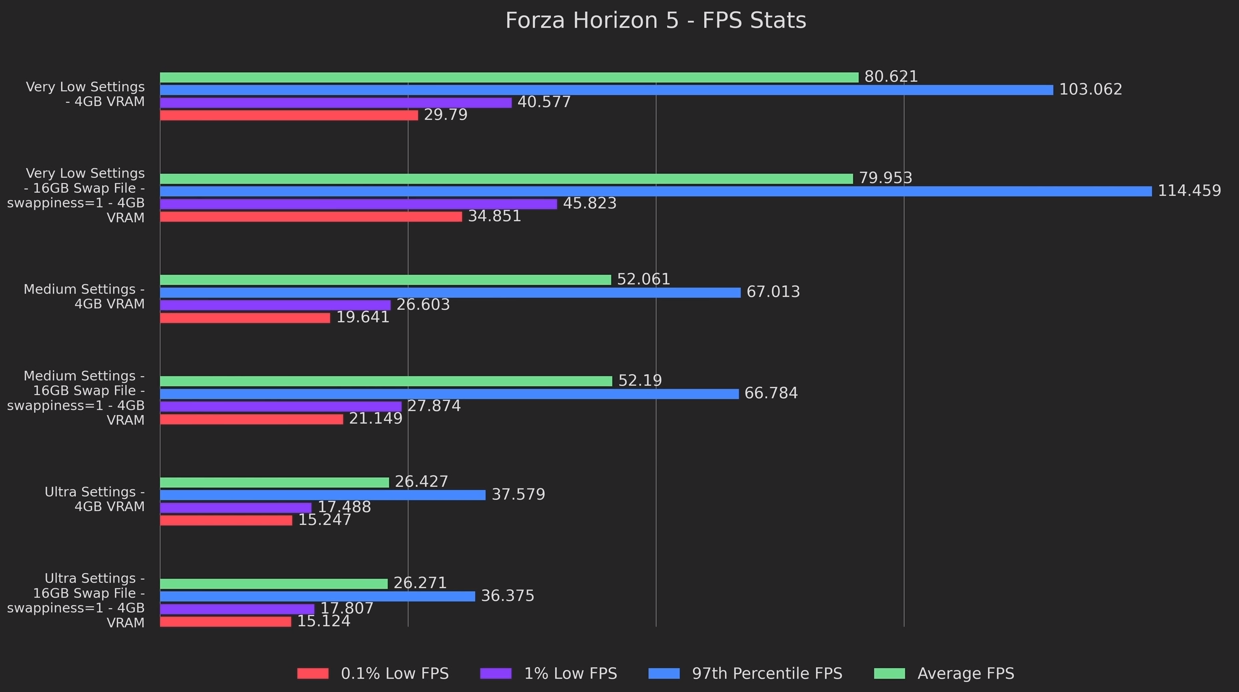
There’s an incredible script that allows you to increase the Deck’s performance by modifying the swap file size, changing the swappiness value, and/or enabling TRIM on the SSD. This is all thanks to CryoByte33, a YouTuber who definitely knows his stuff when it comes to the Deck and increasing the performance of it wherever possible.
With his script, you can:
increase or decrease swap file size change the swappiness (or swap tendancy) value enable or disable TRIM – basically extends the longevity of your SSD What are the Benefits of CryoUtilities?