Crisis Core Final Fantasy VII Reunion: Steam Deck Report
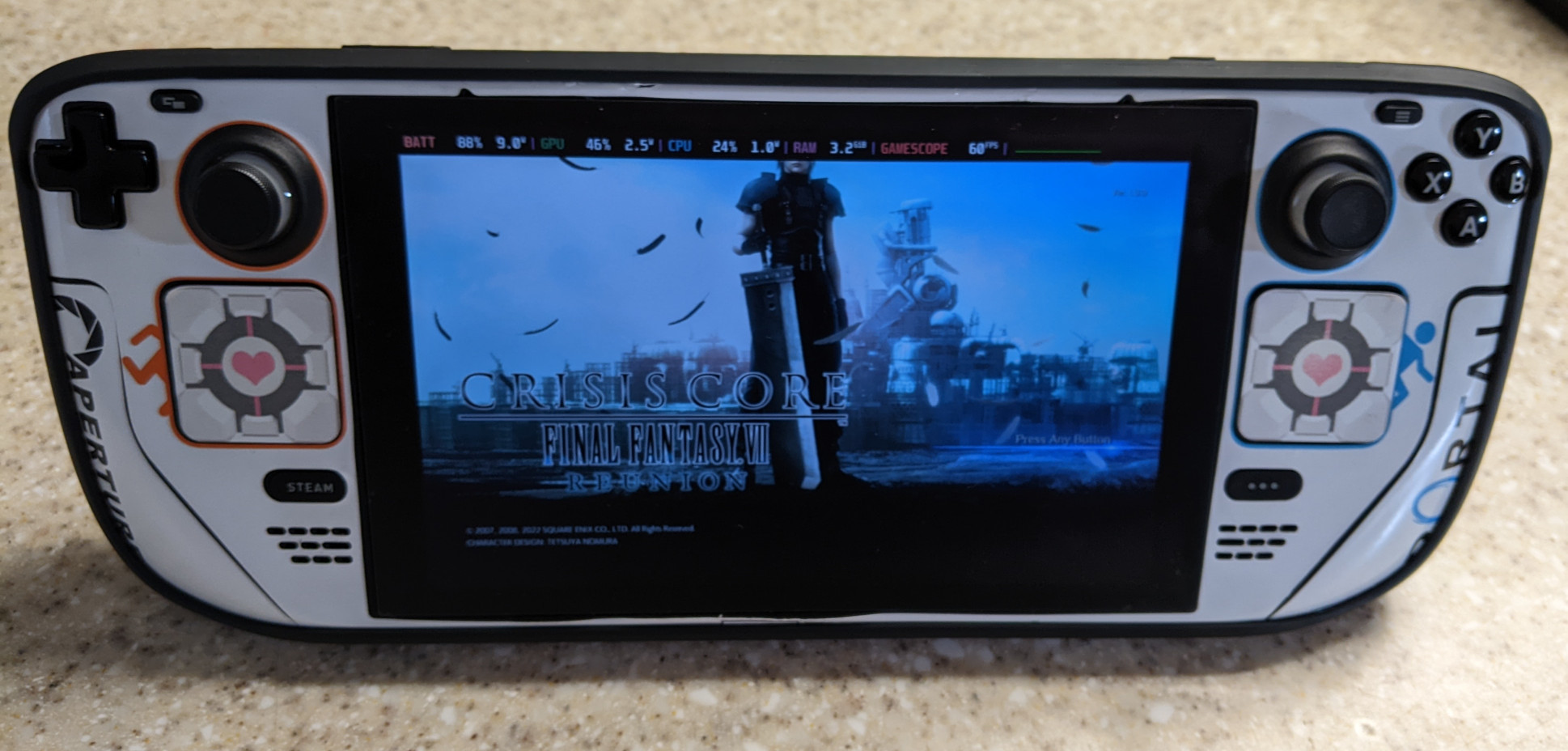
Well well well…the 15-year-old game gets a new makeover. Loved the original back on the PSP. In fact, my older brother at the time took over my PSP and bought the game just so he could play it. Despite it not being as full-fledged of a remake as Final Fantasy VII, I still welcome it, as it’s a really good game.
In a nutshell, the Crisis Core remake has been ported to Unreal Engine and has the following advantages over the vanilla PSP version, besides the obvious graphics upgrade:
Slippi Ranked is Finally Here!
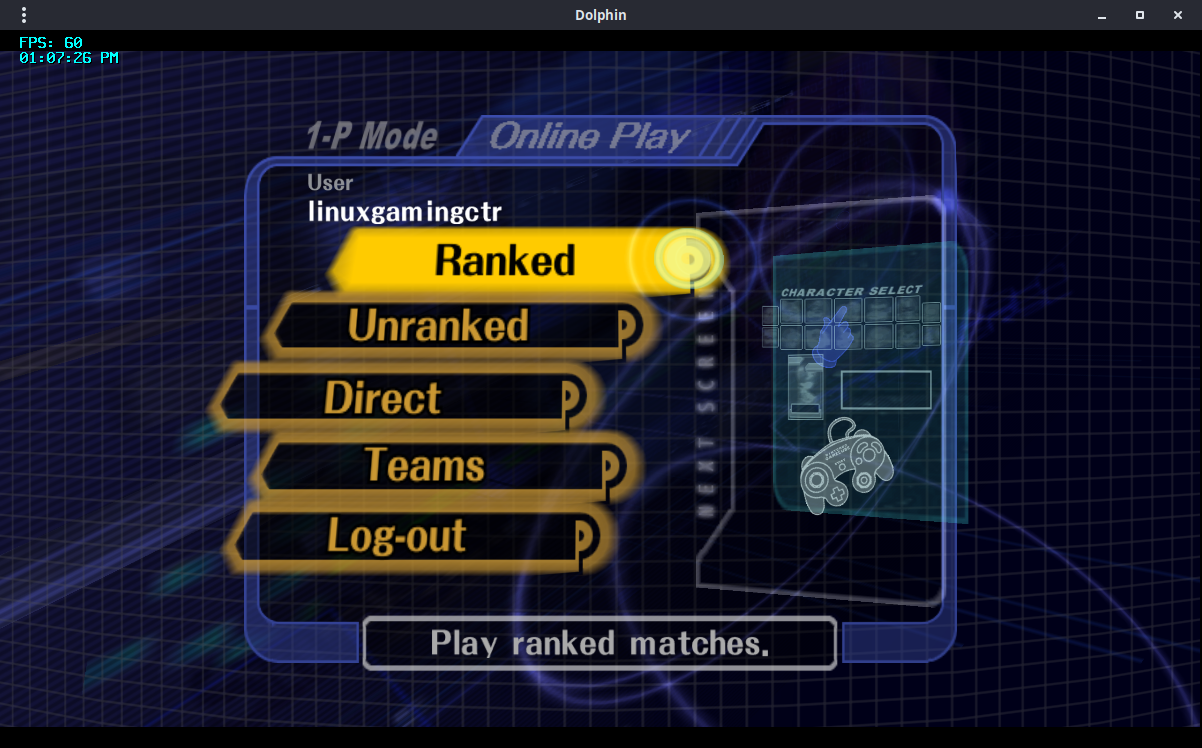
Slippi version 3.0.0 is out. This release has early support for ranked matchmaking! For the time being, ranked matchmaking requires a subscription, the minimum of which will set you back at $5/month. Manage your Slippi account and choose your subscription tier. After that you’ll need to agree to the Terms of Service with the Slippi Launcher. Ranked matchmaking will be free after it comes out of early access. You can also check the leaderboards.
Kernel 6.1 Released, Implements Rust Foundation, Significantly Faster Btrfs, Improved Third-Party Nintendo Gamepad Support
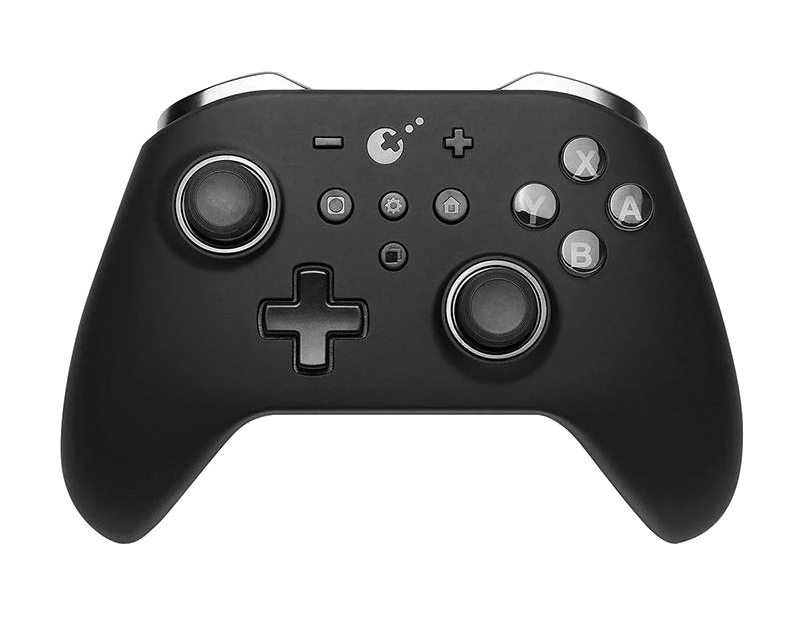
After a week of being held back due to so many changes coming in, kernel 6.1 has now officially become stable and is the next LTS release. It’s quite an exciting release! First of all, we have better support for knockoff Nintendo controllers. Second, Rust has finally made its way in, although we’re not really going to see anything significant as only the infrastructure has been re-written so far. Kernel 6.
Weekly News Recap (Clone Hero, Game Awards 2022, Launch Heavy)
Steam Deck Thursday’s Deck client update (beta) fixes the “exiting forever” state and allows user to use a default option when launching a game Friday’s Deck client update (beta) fixes DLC on hover, properly enables gyro for Switch gamepads got a nice bag by WaterField Designs, but it’s terribly expensive increase performance with CryoUtilities GOL has a guide on how to fix Grounded Native Games Earth of Oryn, an upcoming strategy game, looks like it will get native Linux support when it hits the $40k goal on Kickstarter Hardware System76 has the Launch Heavy should you need a fully customizable keyboard.
Steam Deck Client Beta Fixes DLC Hover, Gyro for Switch Controllers
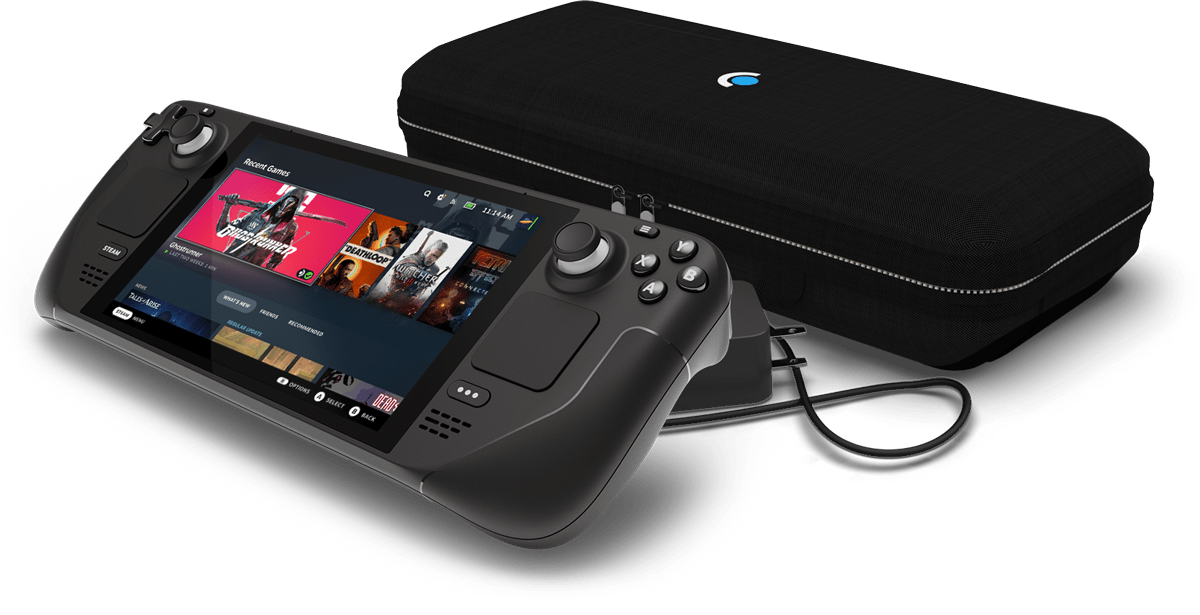
Small update for the Deck is all fixes. Patch notes are as follows:
General
Fixed the new Big Picture Mode overlay being incorrect[ly] sized when the monitor is set to display scaling other than 100% Fixed DLC hover on game details page being cropped Steam Input
Fixed an issue with gamepad navigation in the Steam Deck haptics calibration screen Fixed an issue w/ enabling Gyro for Switch controllers If you’re on desktop and you’re opted into the beta branch for Steam, there is a similar update available, with the addition of a MacOS bug being fixed in regards to the close button on the Steam login window.
The Most Expensive Steam Deck Bag I’ve Ever Received
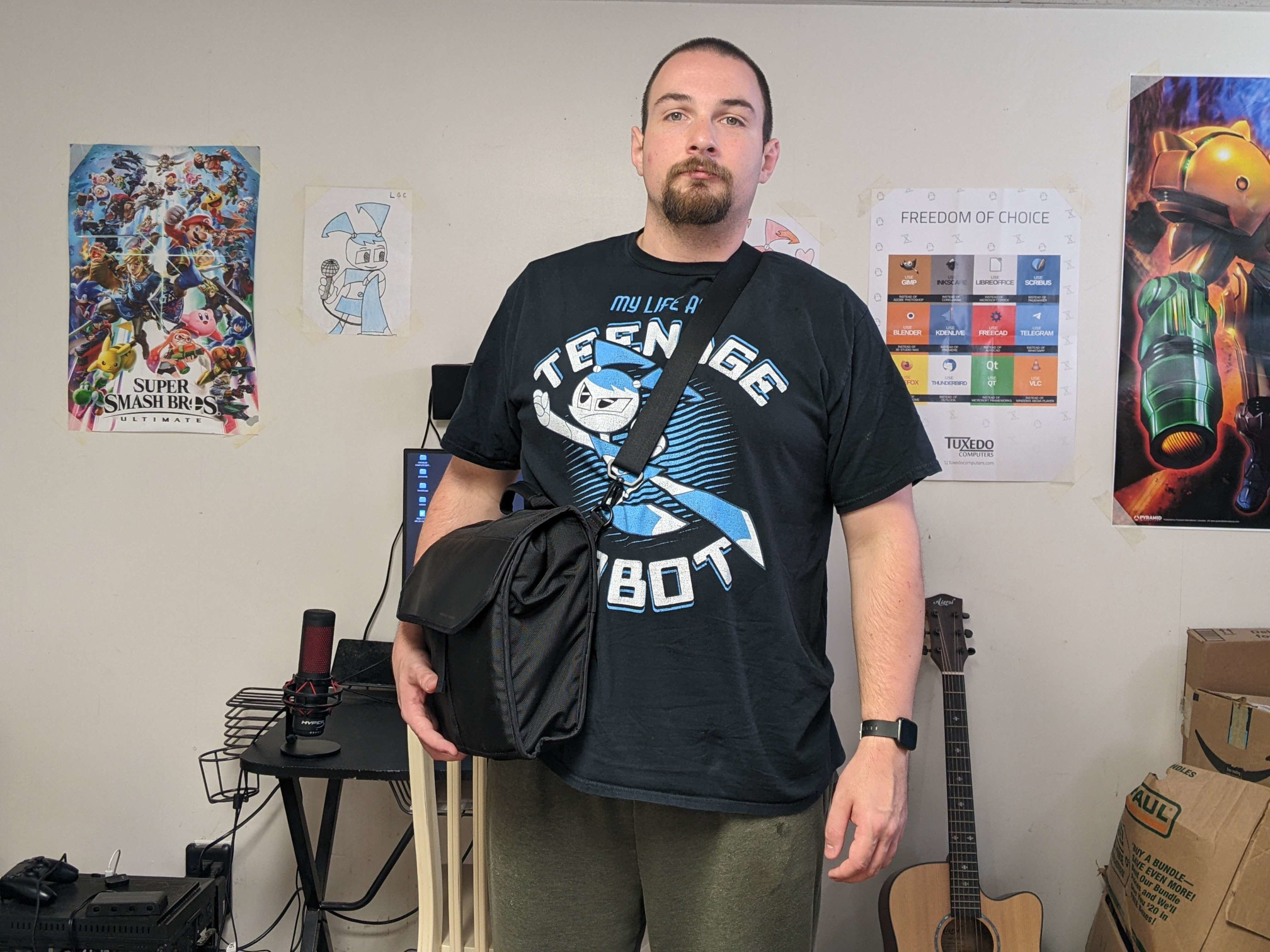
Steam Deck accessories…they abound. But you’re going to need something to carry them all in, right? Introducing the complete case for Steam Deck by WaterField Designs. For once, we actually have a product that isn’t made in China. It’s made in the heart San Francisco, California, USA.
It basically looks and behaves similar to a messenger bag, but tailor-made for the Deck. With it, you can put in:
your Deck, obviously a dock two AC adapters gamepad 75% keyboard mouse an assortment of cables, from USB-C to HDMI, etc.
Steam Deck Client (Beta) Fixes ‘Exiting Forever’ State when Closing Games, Adds Checkbox to Set Default Choice when Launching a Game
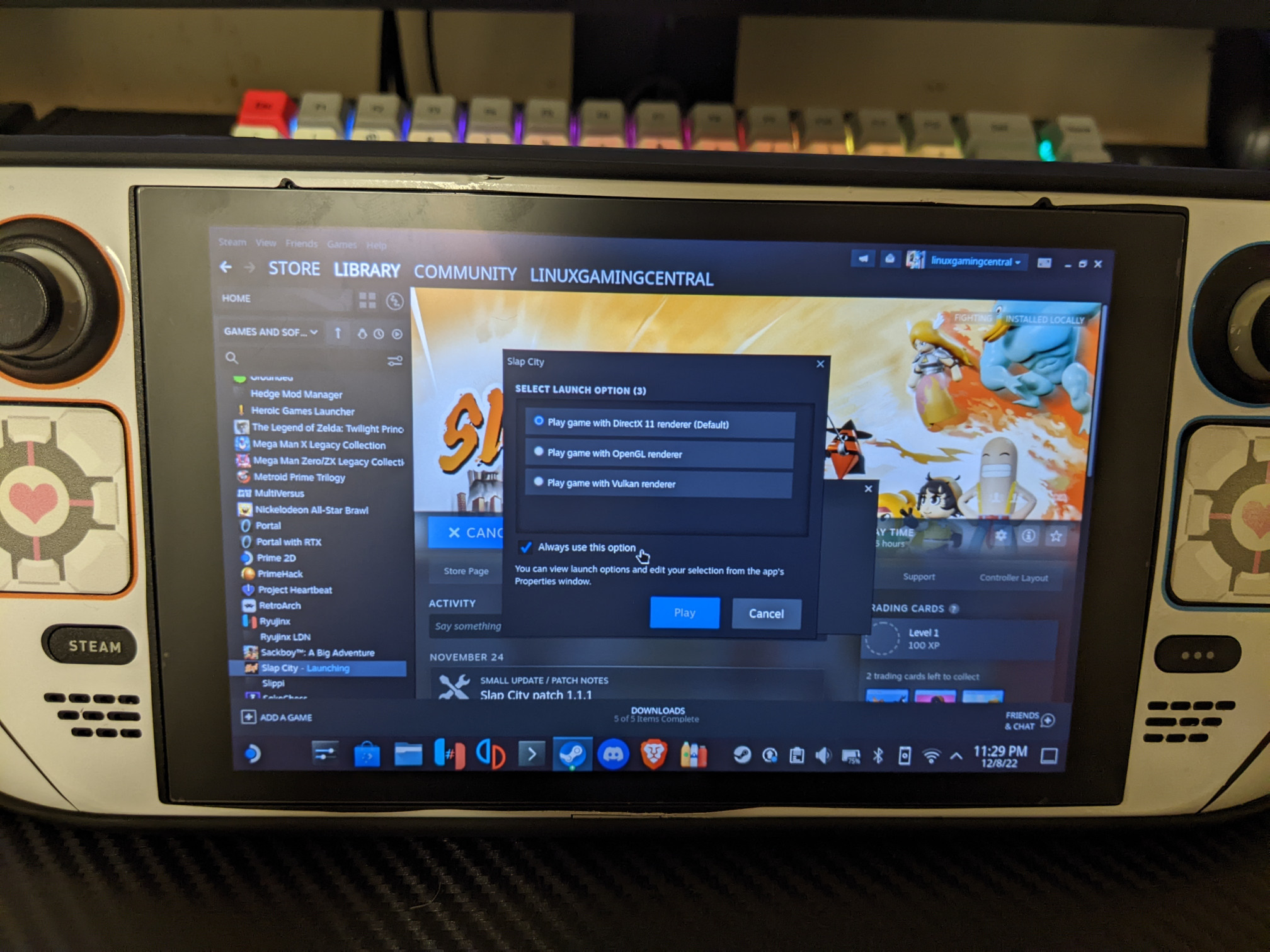
Today’s Deck client update (beta) continues further optimization for loading times for users with big game libraries. A case has been fixed “where the UI would think that a game is running when it’s not, leaving games in an ’exiting forever’ state.” Desktop Mode got some love as well, particularly with the New Big Picture Mode. A checkbox can now be checked off when launching a game that has a selection, making that choice the default selection.
Proton Experimental Adds Support for eXceed - Gun Bullet Children, EA Desktop Should Now Properly Update
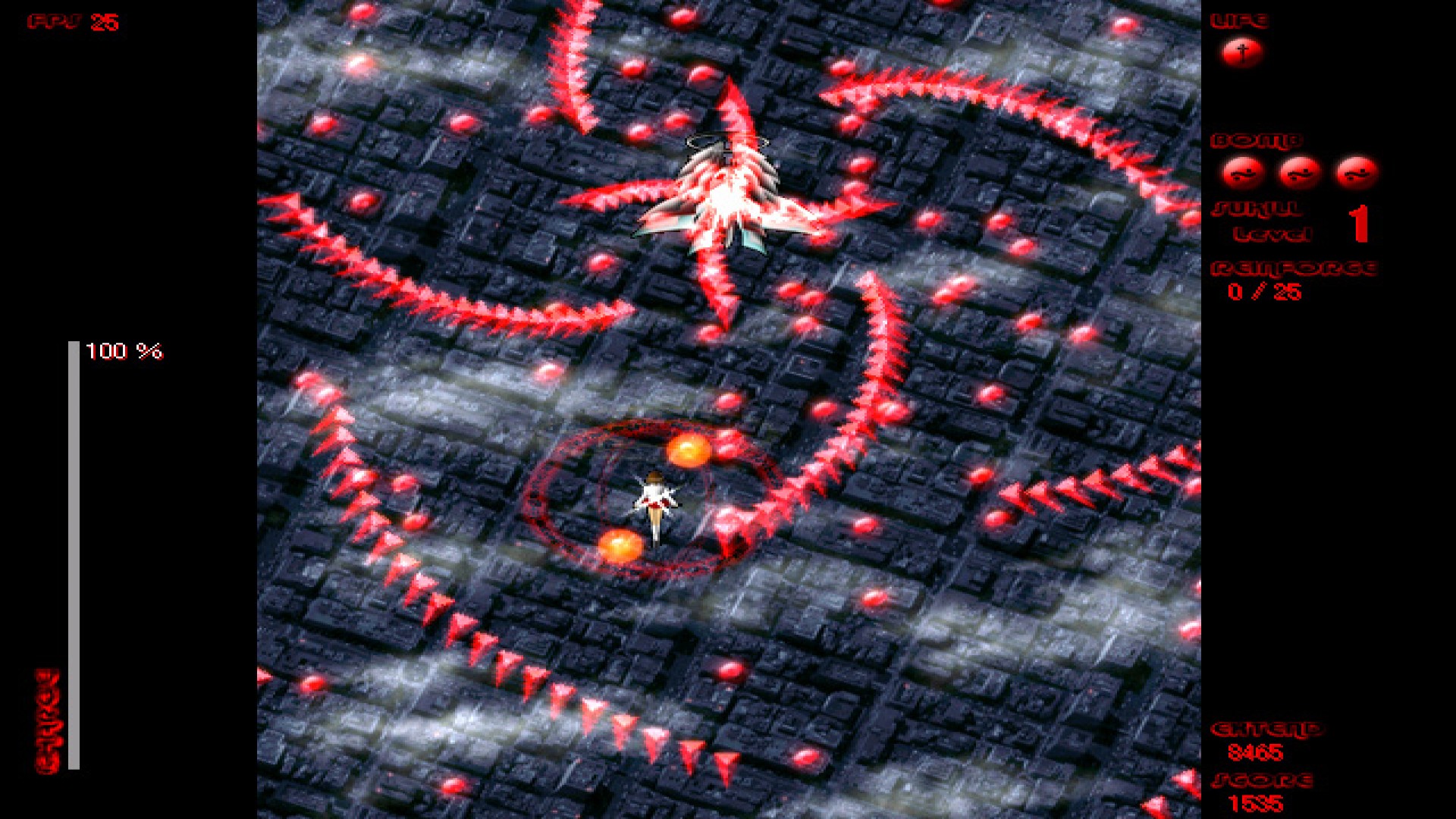
Small update for Proton Experimental is mostly focused on bug fixes. Though we did get a new game to play: eXceed - Gun Bullet Children. The EA Desktop (the EA App? I’m not sure) should now properly update, ensuring that games can now run, though this may require a few game restarts. Forza Horizon (probably both 4 and 5?) should now have the default mapping with the Logitech G920 wheel. And a regression was fixed for the Star Wars: The Old Republic launcher “failing to pen.
System76 Launches the Launch Heavy Keyboard
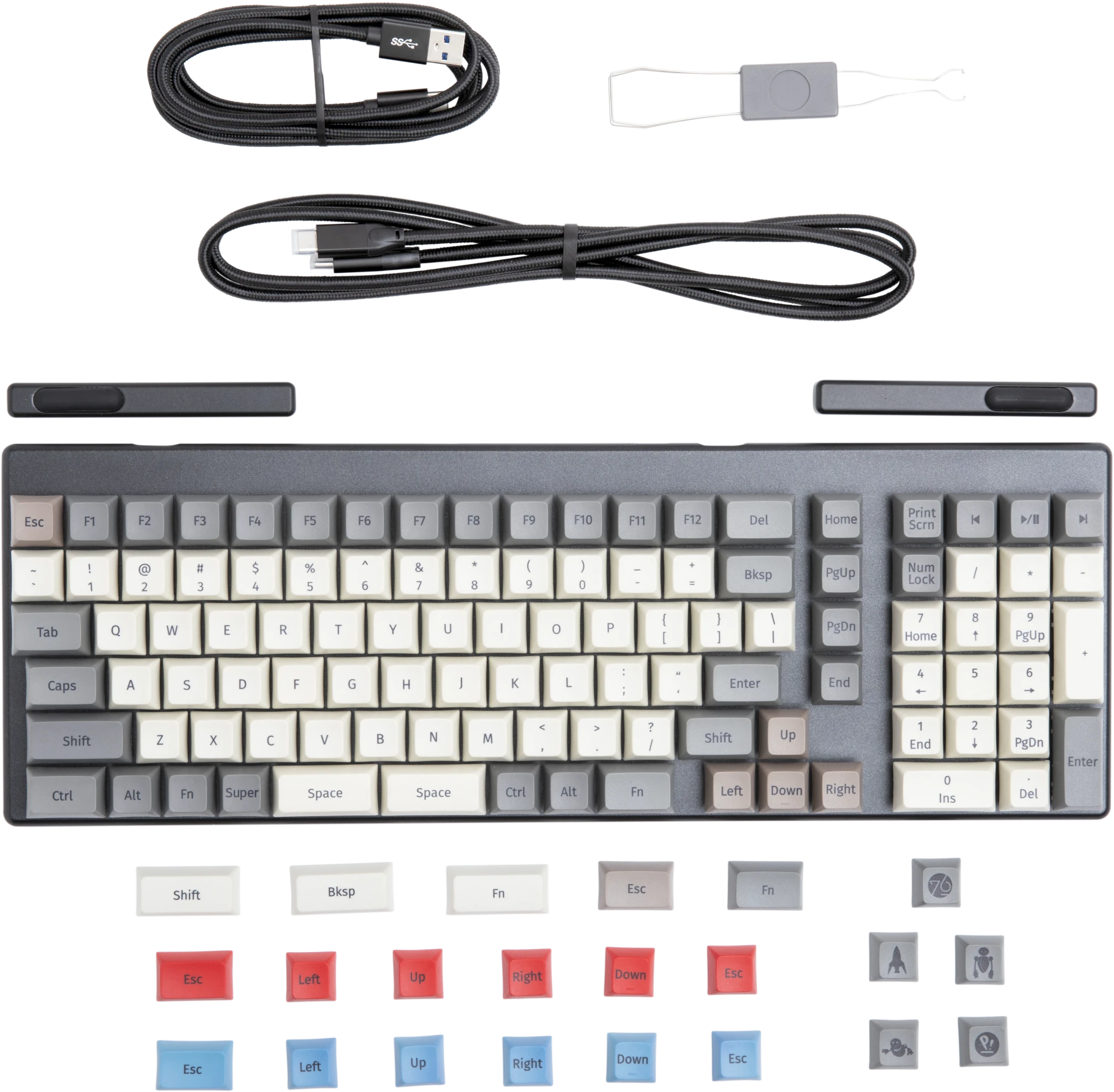
If you’re looking for a keyboard, System76 has every option out there. Whether you want the standard Launch, the Launch Lite for a more affordable keyboard without the USB hub, or want to have as many features as possible with the new Launch Heavy, your bases have been covered.
Apparently the Launch Heavy has been around for the past few weeks, even though the embargo lift date wasn’t until today. At any rate, here’s the features it has over the standard launch:
Portal with RTX Out Now!
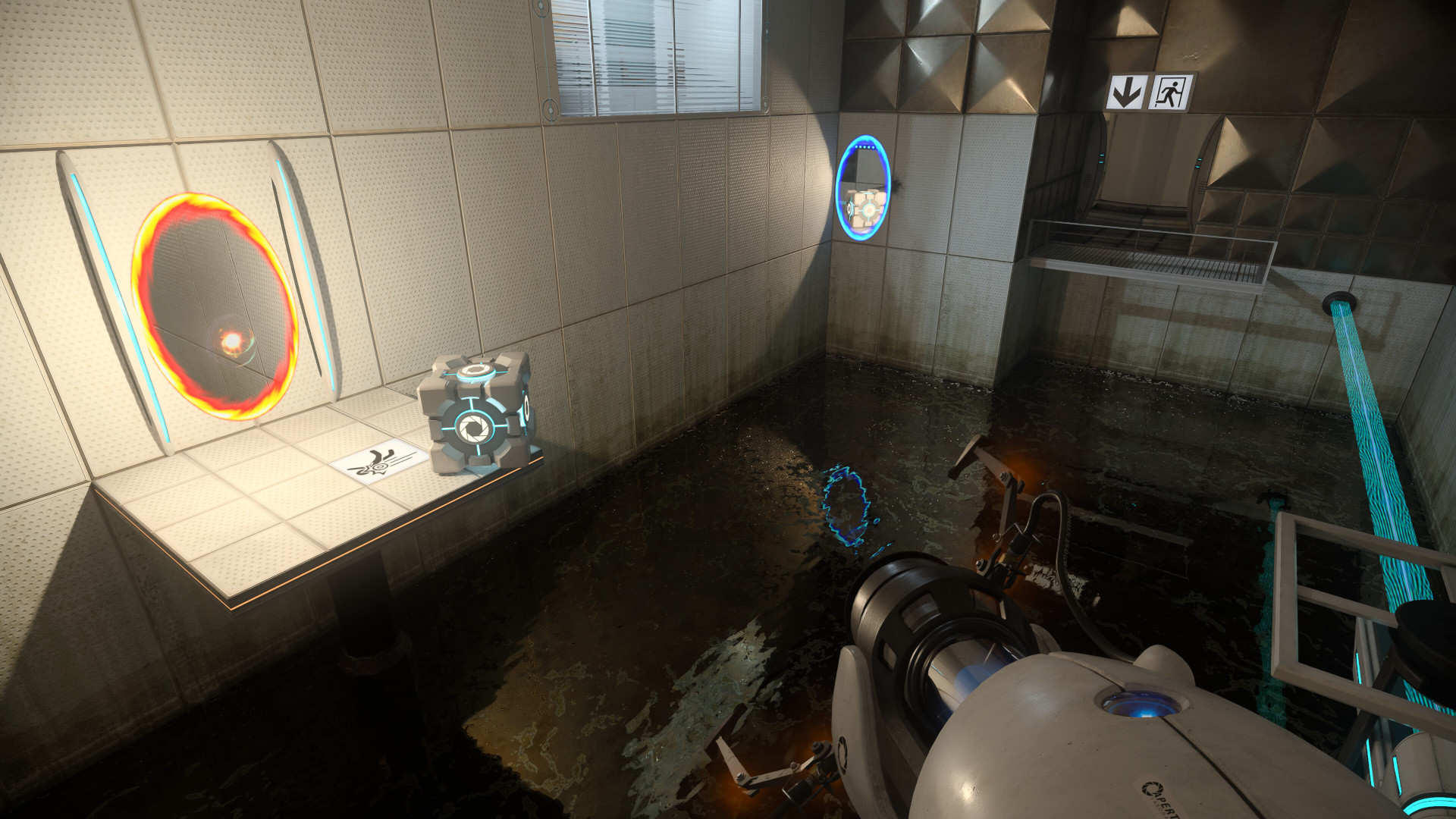
Great news, Portal with RTX is out now!
Per the Steam store page description:
Experience the critically acclaimed and award-winning Portal™ reimagined with ray tracing in this free DLC for Portal owners. Start thinking with portals, with RTX on.
I’d love to report how it runs…if I had a RTX GPU. I should have just kept the Thelio as an excuse to try it. If you don’t have a RTX GPU clicking “Play Game” won’t do anything.