Kena: Bridge of Spirits - Steam Deck Overview
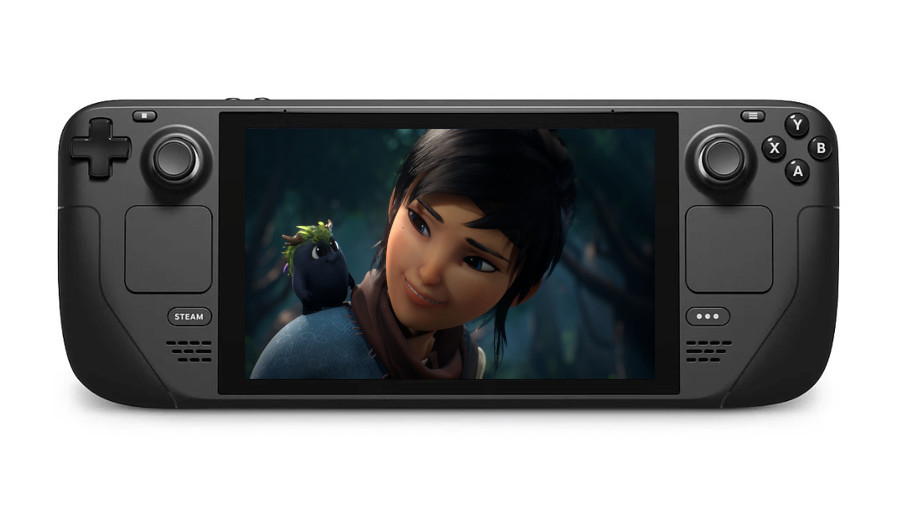
The folks at PressEngine were kind enough to send over a review copy of Kena: Bridge of Spirits to me. While I won’t have the full review until a few weeks from now, I at least wanted to give a brief overview of how this game plays on Deck.
Kena: Bridge of Spirits is Deck Verified. And, low and behold, they finally got the rating right this time. It works well out of the box with Proton 7.
Want to Customize The Intro Video on Deck? Here’s How
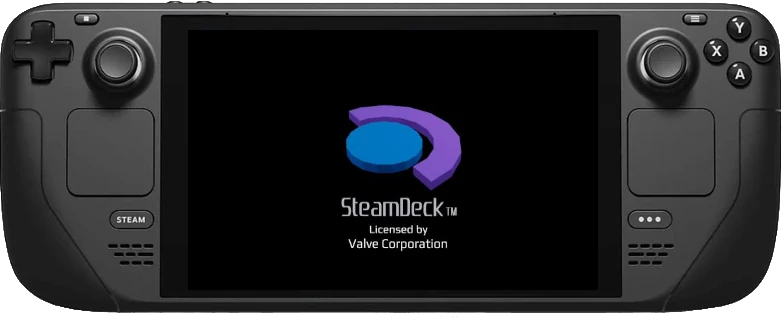
UPDATE (10/7/2022): this tutorial is no longer relevant, Valve has made it easier to replace the bootloader video with this week’s update to the Steam Deck client.
The beauty of the Steam Deck is how insanely customizable it is. We can go so far as replacing the Steam intro video when turning the device on, or when switching to Game Mode. So if you wanted something like this:
Your browser does not support the video tag.
Weekly News Recap (DeckCleaner, New Thelio Desktop by System76, Steam Deck Repair Process)
Steam Deck DeckCleaner is a great utility for freeing up some of your hard drive space SteamOS beta improves FSR frame pacing, plus a new update for the stable Deck client with tons of changes curious how the repair process works? I’ve documented it Valve says “we don’t consider the Nintendo Switch to be a competitor” Canadians, you may temporaily be on hold as far as your reservation is concerned Native Linux Games I reviewed Flashout 3, a racing game closely inspired by the Wipeout series 26 new games out this week Hardware System76 unveils a rebranded Thelio desktop with swappable front accents.
Need to Clear Up Some Space on Your Steam Deck? Try DeckCleaner
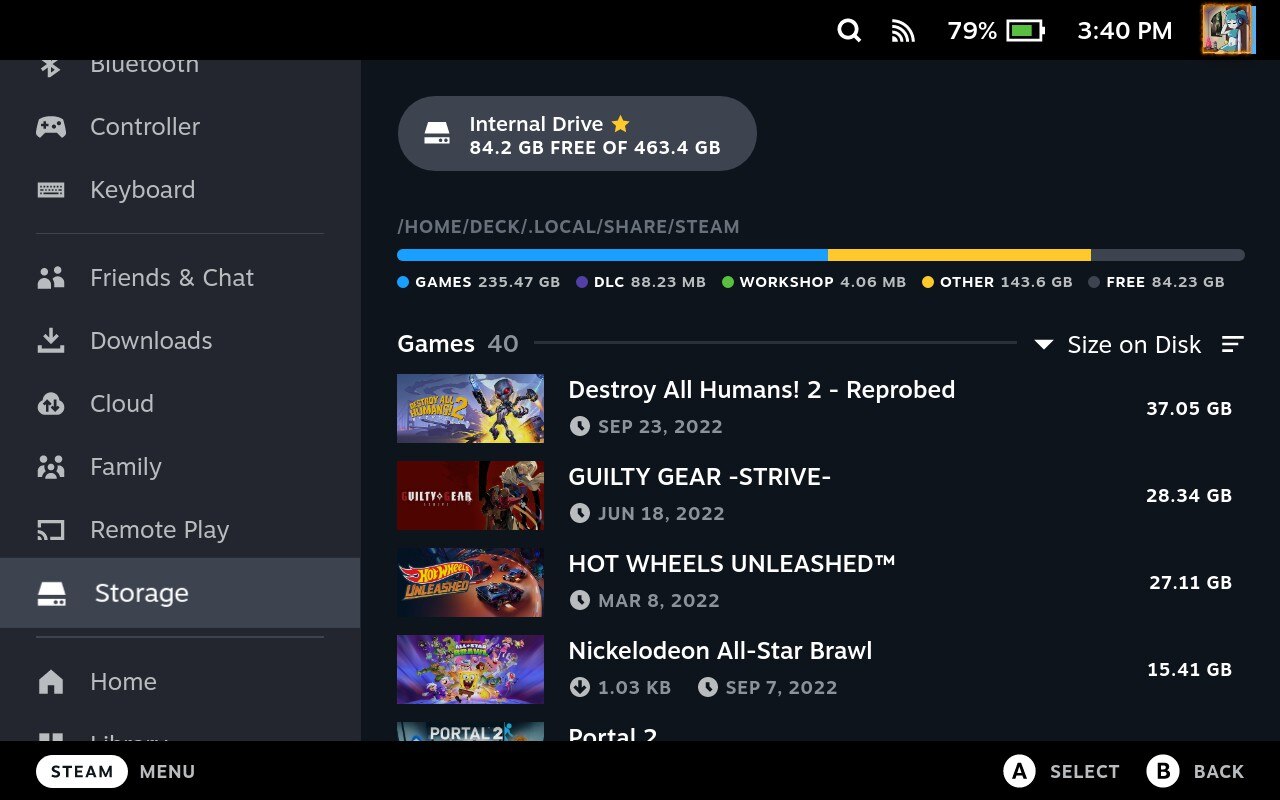
When downloading games on the Steam Deck, more space on the hard drive gets occupied than just the game itself. Shaders will either be downloaded along with the game, or they will get added as you play the game. While these shaders can be useful for reducing in-game stutter, these shaders will pile up over time. Games that you no longer play will still have their shaders intact, thus taking up space that could be used for something more important.
SteamTinkerLaunch 11.11 ‘!Elfeins’ Allows Capturing of OpenGL/Vulkan Games, Brings Steam Deck Improvements
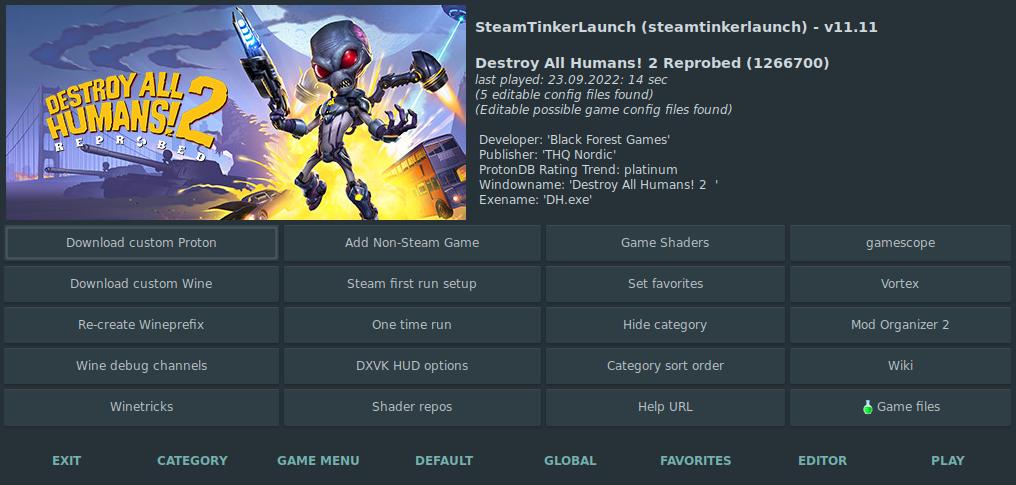
SteamTinkerLaunch version 11.11, codenamed “!Elfeins” came out yesterday. Here’s some of the highlights:
Polish translation updated non-Steam Proton games should now launch obs-vkcapture was changed to obs-gamecapture so OpenGL and Vulkan games can be recorded non-Steam games are now listed as a category Deck improvements; cabextract is now handled automatically, and a differentiation has been added when running the launcher in Game Mode versus Desktop Mode custom Proton list is now automatically updated if newly added Proton versions are possibly missing several bug fixes and improvements To coincide with this release, ProtonUp-Qt has also been updated to fix the STL installer.
Flashout 3: Does It Scratch the Wipeout Itch?

I’m a sucker when it comes to racing games. Not so much the simulation type, but more so the arcade-y racers with weapons. Need for Speed: Hot Pursuit, PocketCars, and GRIP are just a few examples. It’s thrilling action that’s almost akin to fighting games.
The Wipeout series is another example. It was certainly an excellent IP at its’ core. Anit-gravity racing machines loaded with turrets, mines, EMPs, the whole nine yards, set in a futuristic era.
Steam Client Update Improves Vulkan Video Capture, Reduces Network Usage on Startup, and Adds Fix for Streaming to Linux Devices
As if it wasn’t enough for a Steam Deck/SteamOS update today, Valve also pushed an update to the Steam desktop client. Again, the list of patch notes is far too much to cover here, but here are some of the highlights:
a Games to Play Together section has been added with your friends who have the same games in common the “updated purchase approval dialog” has been added specifically to Linux and Mac OS reduced network usage on startup CEF has been updated to 85.
SteamOS Beta Improves FSR Frame Pacing, Steam Deck Client Update Improves OSK, Screenshot Management, and Much More
A new Steam Deck client update has been pushed to the stable branch, with the simultaneous release of a new SteamOS beta update. To start, let’s go over the changes for the client.
The page that make up the patch notes is quite big. Slider controls are more precise when it comes to large ranges. Fixes have been added for scrolling on the home recommended screen and the What’s New section not properly being populated.
Steam Deck Client Beta Improves OSK Responsiveness, Fixes Cut Off Buttons and Missing Keystrokes
Yesterday’s Deck client beta update mostly focuses on improving the on-screen keyboard, fixing a couple of issues it had, as well as fixes for Steam Input and Remote Play. Patch notes are as follows:
General
Improved the responsiveness of On-Screen Keyboard Fixed missing keystrokes when touch typing on the On-Screen Keyboard in desktop mode Fixed the in-game On-Screen Keyboard text entry dialog sometimes having buttons cut off Steam Input
Fixed issue where command settings would not save Fixed an issue where Mouse Edge Spin would be more sensitive on the left-side of the trackpad than the right Remote Play
ChimeraOS 35 Adds GNOME Desktop, Fixes for Aya Neo Air/OneXPlayer Mini, and System Update Notifications on the Steam Deck UI
ChimeraOS 35 marks a pretty big release for the SteamOS-like distro. The biggest feature is probably the addition of a desktop environment. Previously, you were stuck in Big Picture Mode, the Steam Deck UI, or the CLI. Now, similar to SteamOS, you can use your living room console or Deck for work or other production purposes, thanks to the addition of a desktop. Unlike SteamOS 3, however, ChimeraOS makes use of GNOME.