Wine 8.0-rc4 Fixes 25 Bugs, Increases Rendering Speed on External Monitor
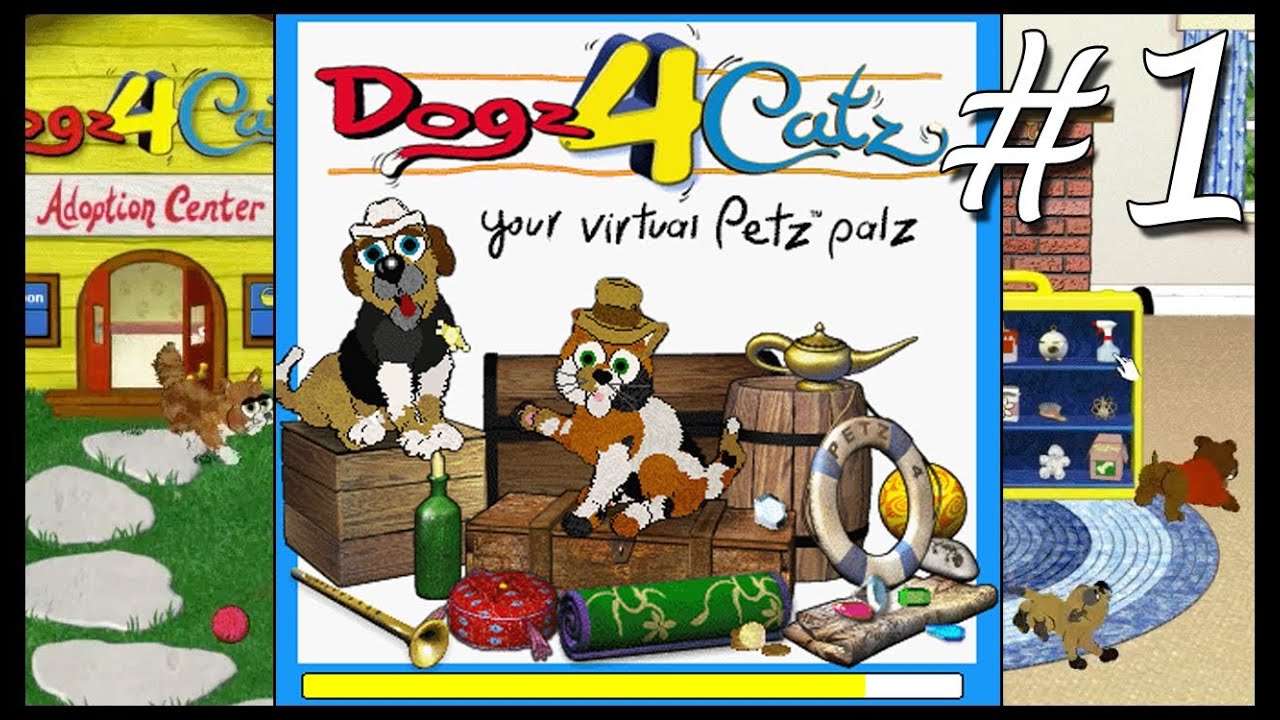
Wine 8.0 continues in the release candidate stages. RC4 just released, and with it are 25 bug fixes (remember, Wine 8.0 is in feature freeze; only bugs are getting ironed out at this point). Gaming-related fixes have been added for Guild Wars, Petz 4, and Hyperdimension Neptunia Re;Birth. Patch notes are as follows:
#48553 Catia (CAD software) refuse to run installation on newest wine (<=4.18) #51268 Assembler messages: Error: no such instruction: `xsavec (%esp)’ #51301 Any action that locks the cursor into place inside the Roblox Client window causes the cursor to freeze #51420 Running any program in Wine causes 100% cpu usage in Xorg #52089 d2d1:d2d1 fails in test_draw_geometry() on Wine #52152 comctl32:edit gets unexpected heights in test_text_position_style() on Windows 10 1809+ #52429 Guild Wars: login not possible #52557 GetNetworkParams loops forever on musl #52749 winetricks dotnet35sp1: printfilterpipelinesvc.
Bottles 50 Adds GameScope Improvements, Enables VKD3D in the Gaming Environment
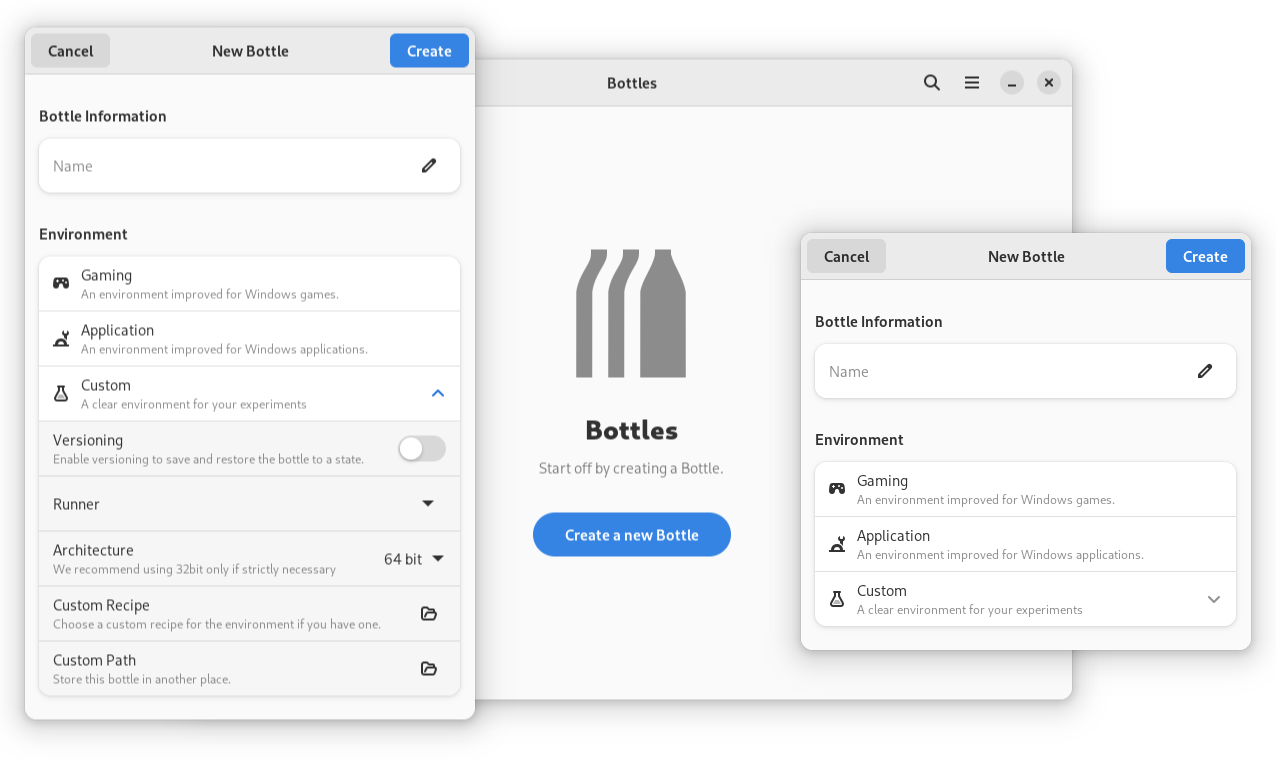
As is typical around the 14th of each month, Bottles gets a new release. Seems like they’re adopting a new naming scheme. Instead of going by year/month/day, it’s now just one number. I’m guessing “50” indicates that this is the 50th update.
Beside that, here’s the changes:
Features
support userdir/ placeholder for installers checks enable VKD3D in the Gaming environment async fetch of components, installers and dependencies Frontend
GameScope improvements updated link for connection checking improve sentence in installers smoother UI with async code make app name untranslatable, disambiguate Bottles & bottles remove FileChooser class port primary menu to MenuModel Backend
Steam Deck Client Beta Fixes Opting Into Game Beta Branches, Fixes Patch Notes on Downloads Page
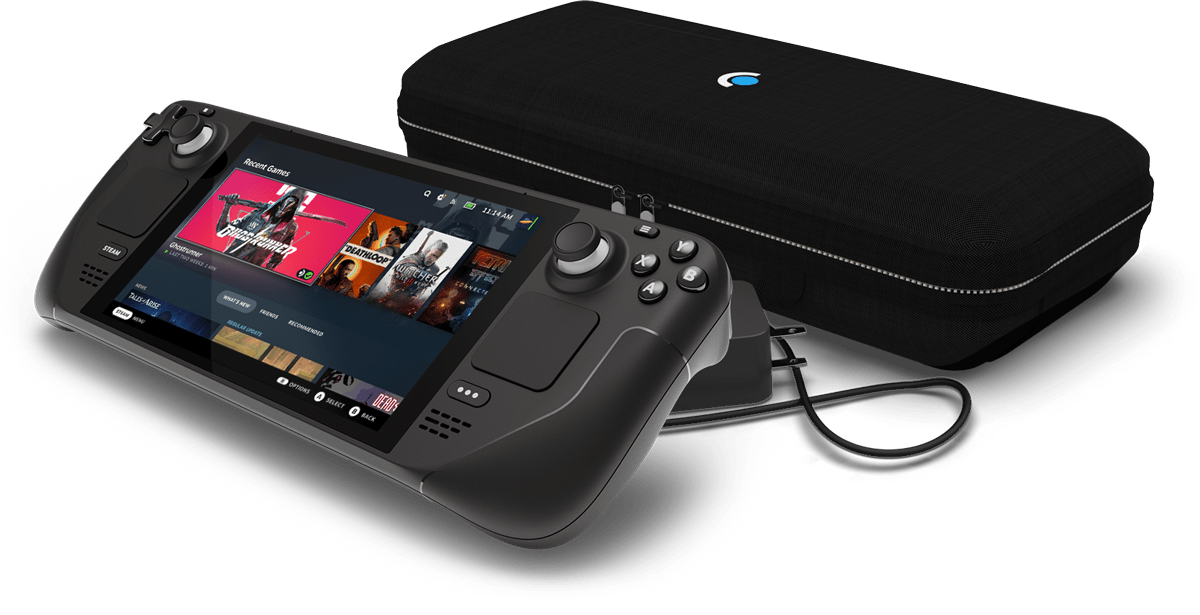
Steam Deck gets a new beta client update with fixes for patch notes, OSK, joystick deadzone, and more.
Proton Experimental Improves CJK Character Rendering, Adds Fix for Football Manager 2023
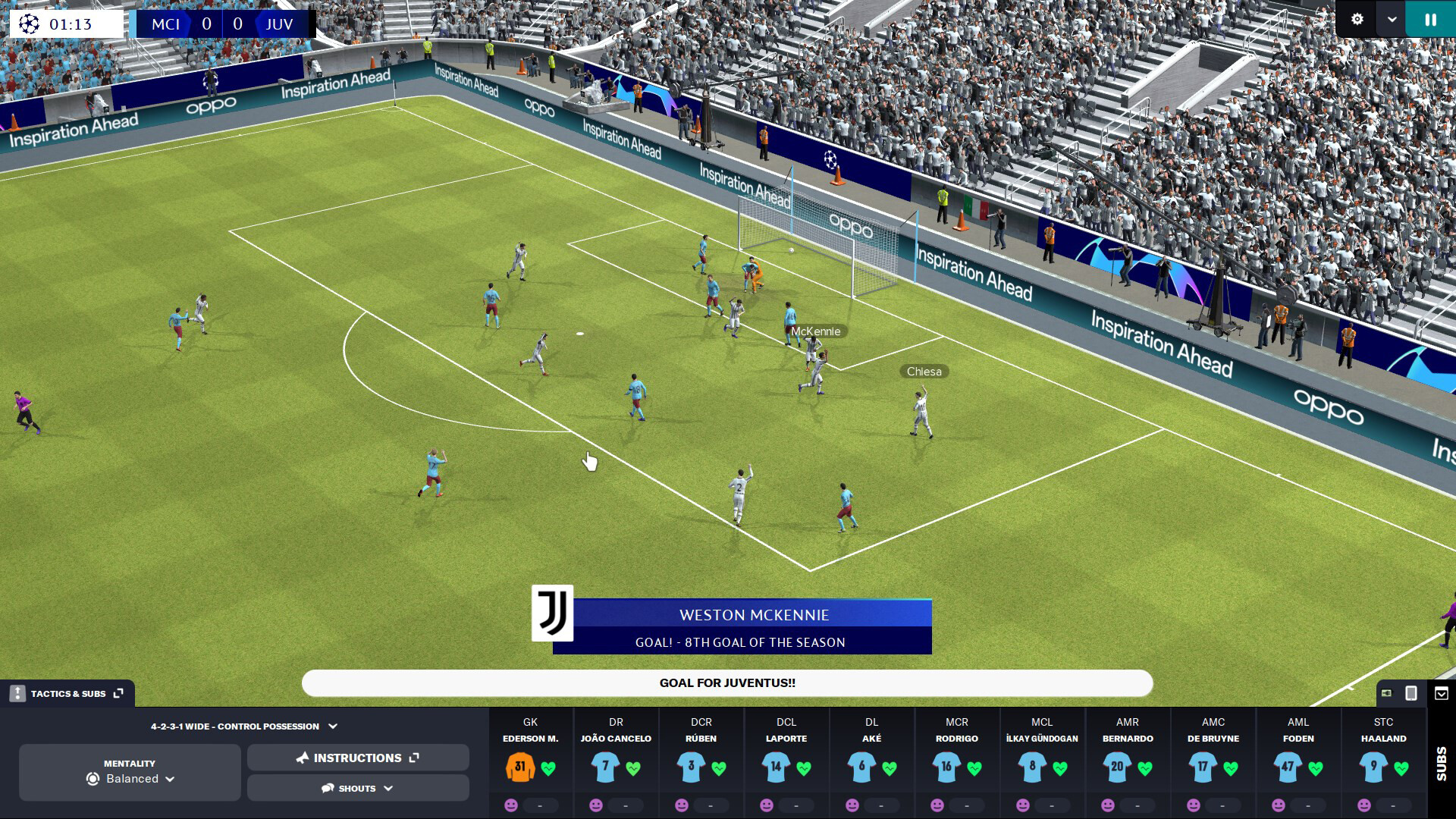
Proton Experimental update is all bug fixes. Except one, which is an improvement in regards to CJK characters rendering “in many games.” No new compatilble titles with this update.
Patch notes are as follows:
fix A Plague Tale: Innocence showing on-screen keyboard when starting the game on the Steam Deck. fix rendering issues during cutscenes in Tom Clancy’s Splinter Cell. fix Japanese keyboard input in Final Fantasy XIV Online. fix Football Manager 2023 crashing when trying to return from a player profile.
Steam Deck Client Beta Adds Rollup of Gifts in QAM, Groups Commands If They’re Attached to the Same Controller Input
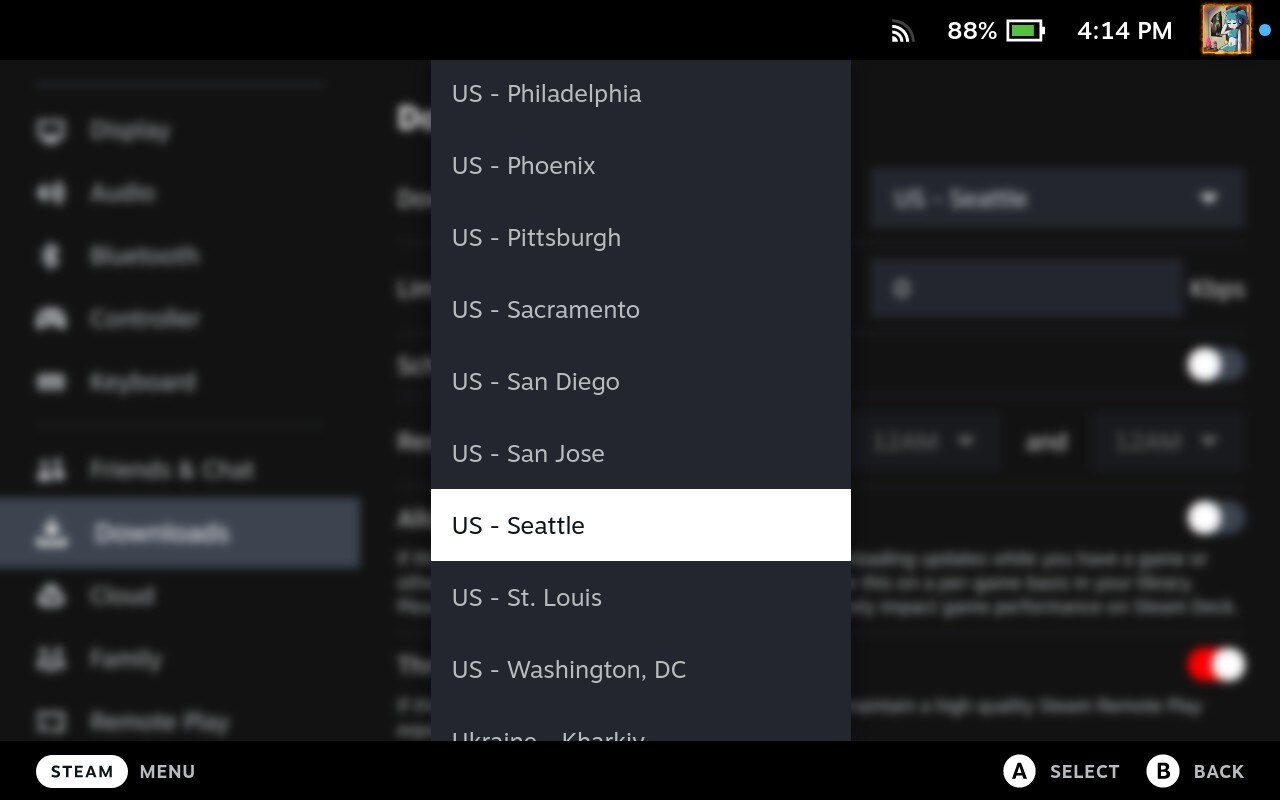
New client update out for beta and preview users. Supposedly changing download regions no longer requires a restart, but they still do, based on my testing. A rollup of gifts received has been added to the Quick Access Menu under notifications. Steam Input, desktop Linux, and the virtual keyboard got some fixes as well. Full patch notes are as follows.
General
Changing download regions no longer requires restarting the Steam client Add a rollup of gifts received in the Quick Access > Notifications area Steam Input
Pop!_OS Enables ZRAM, Increasing Available RAM and Improving Game Performance
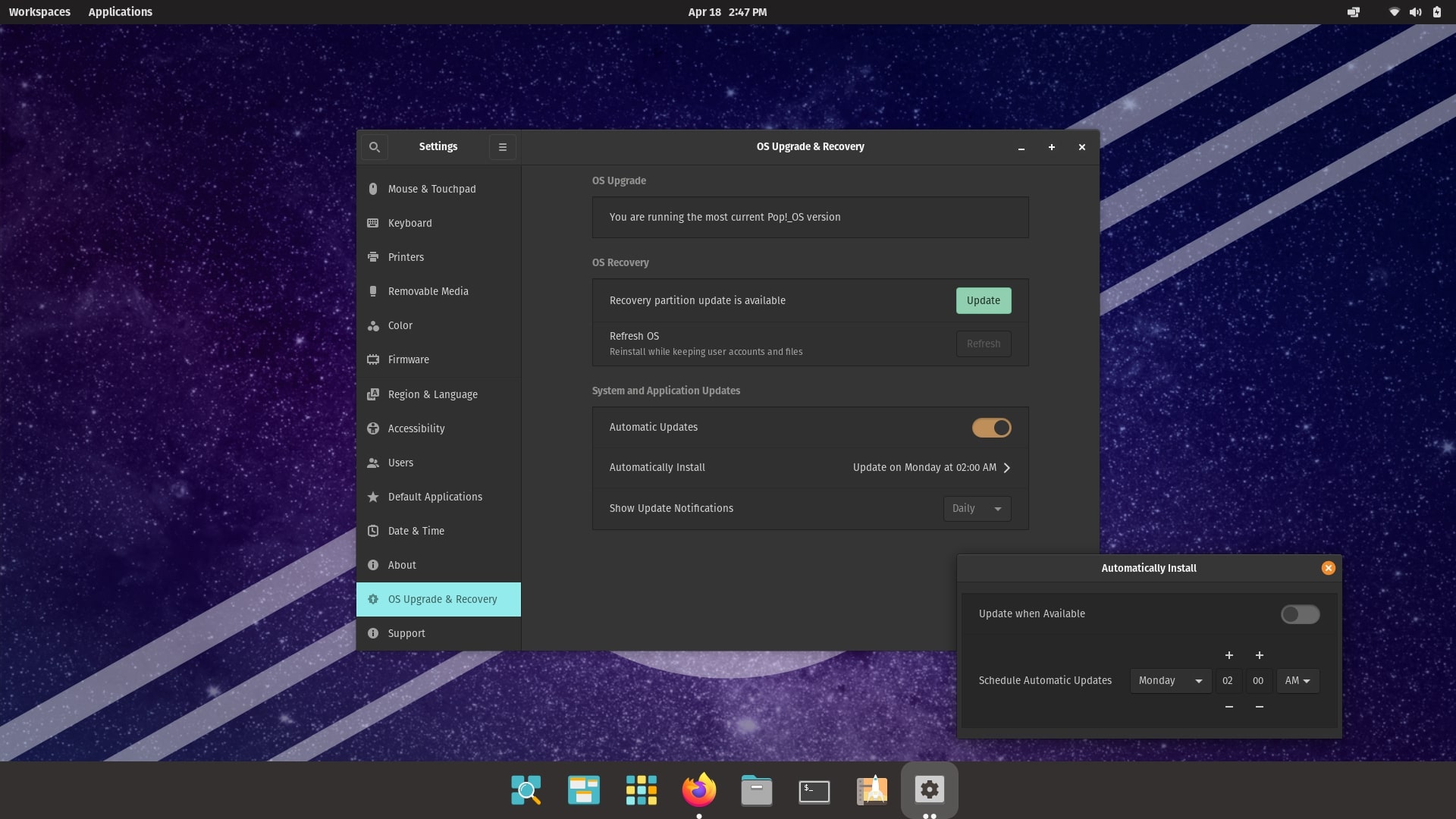
System76’s Pop!_OS distribution now enables ZRAM. This is thanks to Pop!_OS developer Michael Murphy. Per the Tweet from the official Pop!_OS account, this will increase “the amount of free memory your system has available.” Supposedly this adds “increased FPS in games, or faster simulations and compiler runs,” especially on systems with a low amount of RAM. Someone on the pull request commented that on a PC with 8 GB RAM, the result of ZRAM enablement was “a solid boost from sometimes 80 FPS to 120 FPS (my refresh rate) and other times from 80 FPS to 90 FPS.
Transferring Games Between Your PC and Deck Will Soon Be A Lot Easier
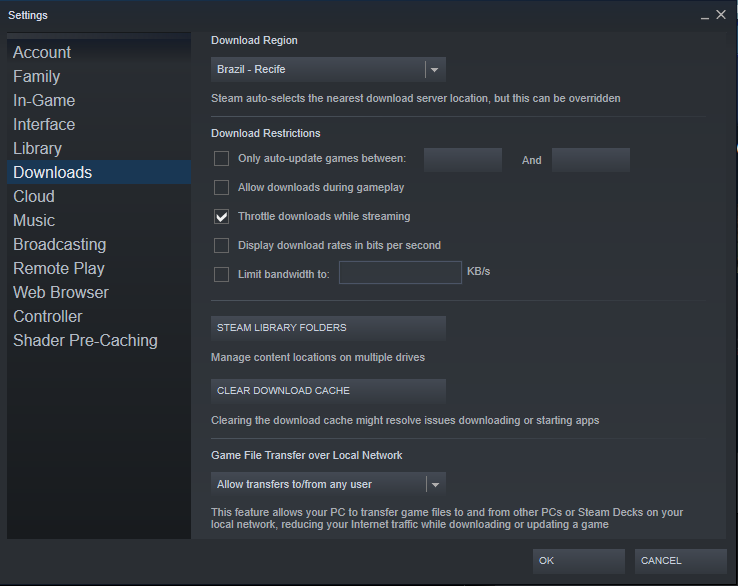
Steam data miner and SteamDB founder Pavel Djundik discovered way back in October peer-to-peer Steam downloads on the local area network.
Image credit: @thexpaw
Then, just this past Friday, Pavel found a string in the last Steam update:
This feature allows your PC to transfer game files to and from other PCs or Steam Decks on your local network, reducing your Internet traffic while downloading or updating a game.
According to his Tweet, this “can limit to own devices, friends, or any user.
Vanilla OS - Containerize Your System Like Nobody’s Business
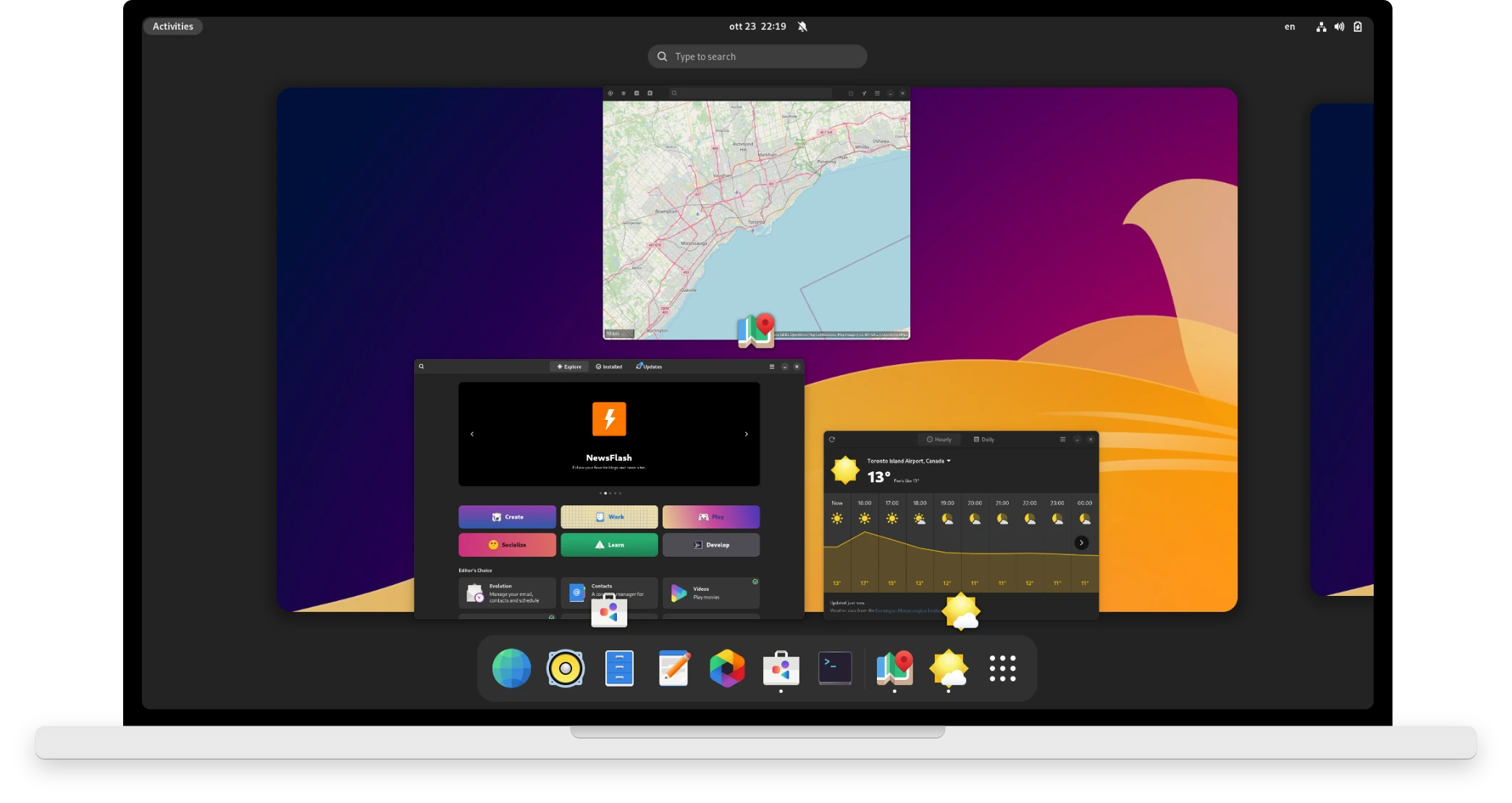
Vanilla OS, per the description on the official website, is “an Ubuntu Linux-based Point Release distribution that receives updates at the right time, neither before nor after, without sacrificing security and functionality.” It’s “your faithful colleague by day” and “your teammate by night.” The developer, Mirko Brombin, is also the developer of the Bottles application.
It uses GNOME as the desktop environment – “a stock, clean version with as few changes as possible” – and as far as the gaming aspect is concerned, you don’t need to worry “about setting up your devices.
Nobara Project 37 Adds GameScope HDR Patches, Upgrades GLIBC While Retaining EAC Fixes
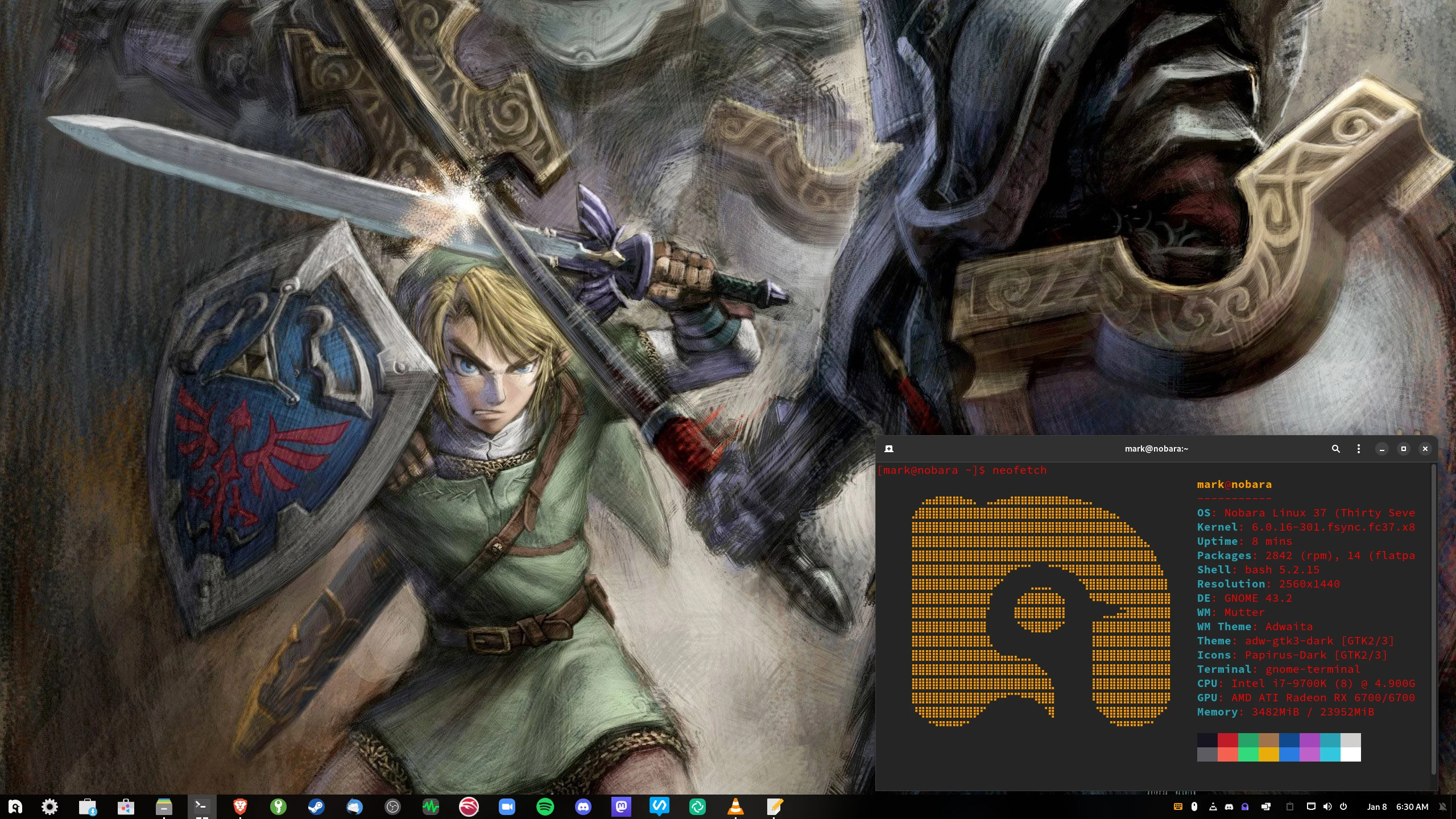
Fedora fork Nobara Project kicks off the new year by releasing version 37. Packages have been rebased on top of Fedora 37. Nobara 37 is mostly concerned with package updates:
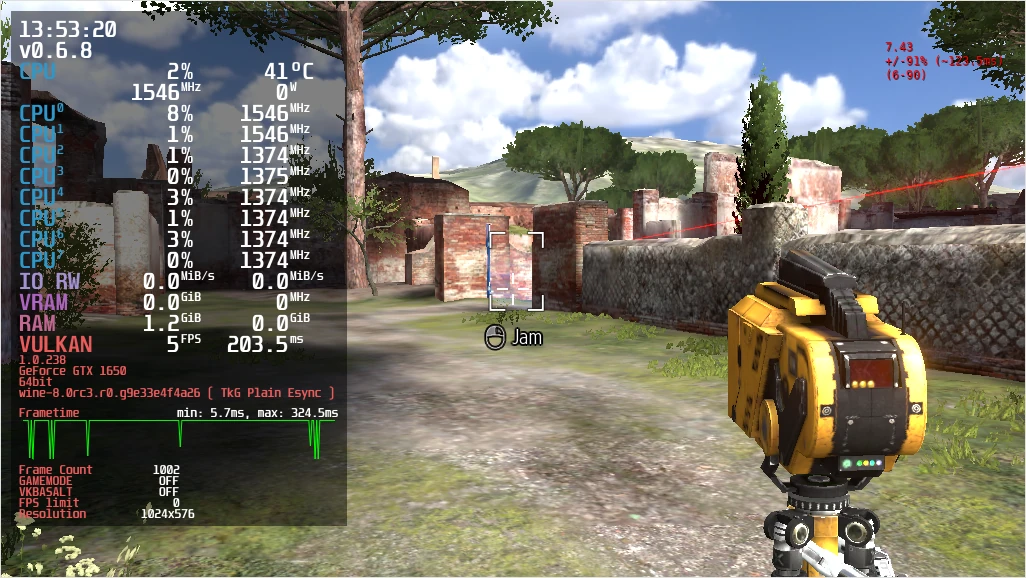
kernel updated to 6.0.16, all previous patches included, gamescope HDR patches added glibc updated to 2.36 (still includes all previous fixes) gamescope updated to latest git mangohud updated to 0.6.8 goverlay updated to 0.9.1 – this contains a fix for the “interface scaling problem” on HiDPI displays blender updated to 3.