Heroic Games Launcher v2.4.0 Beta Released, Adds UI Improvements and a Unified Epic/GOG Library
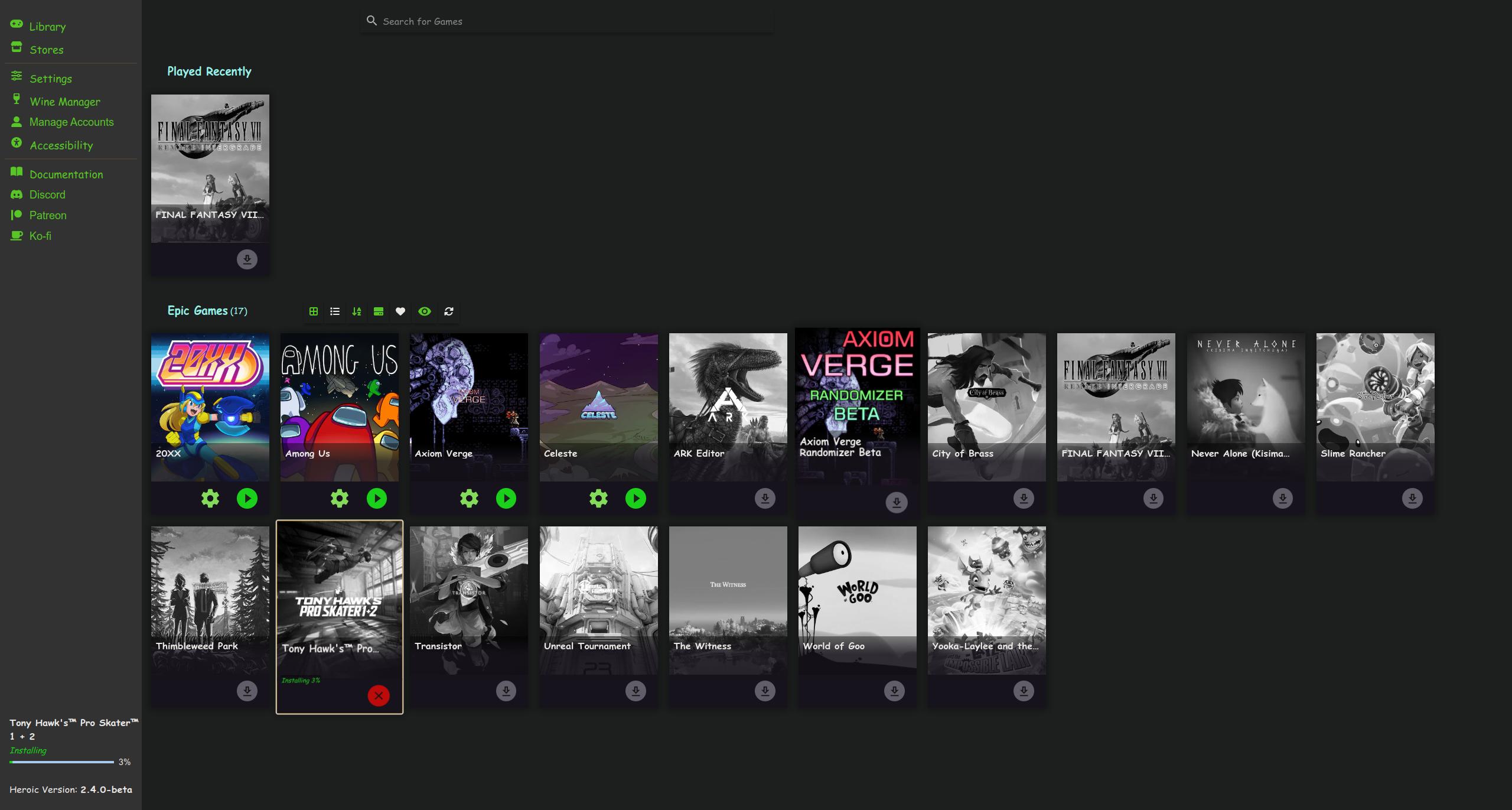
A new version of the Heroic Games Launcher has shipped today, as a beta. That would be version 2.4.0. Included in this update are the following:
plenty of UI/UX improvements, including a unified library between Epic Games and GOG games, a download progress bar on the left, and the ability to change game language several bug fixes, including the setting of controller on boot being disabled Linux-specific things; CrossOver support is gone, but now there’s an option to display the Wine executable path minor cleanup of things like the game setting keys being the only thing saved to the game config file during installation The stable 2.
Proton 7.0-3 Officially Released, Adds 19 Newly Playable Titles and Better Steering Wheel Support
I’m noticing a trend where each new release of Proton adds several new games and bug fixes. Shortly following the update to Proton Experimental earlier today, we now have the official release of Proton 7.0-3. Newly playable titles with this release include:
Age of Chivalry Beneath a Steel Sky Chrono Cross: The Radical Dreamer Edition Cities XXL Cladun X2 Cursed Armor Flanarion Tactics Gary Grigsby’s War in the East Gary Grigsby’s War in the West Iragon: Prologue MechWarrior Online Small Radios Big Televisions Split/Second Star Wars Episode I Racer Stranger of Sword City Revisited Succubus x Saint V Rising Warhammer: End Times - Vermintide We Were Here Forever Bug fixes include:
Proton Experimental Updated, Enables Compatibility with Karmaflow: The Rock Opera
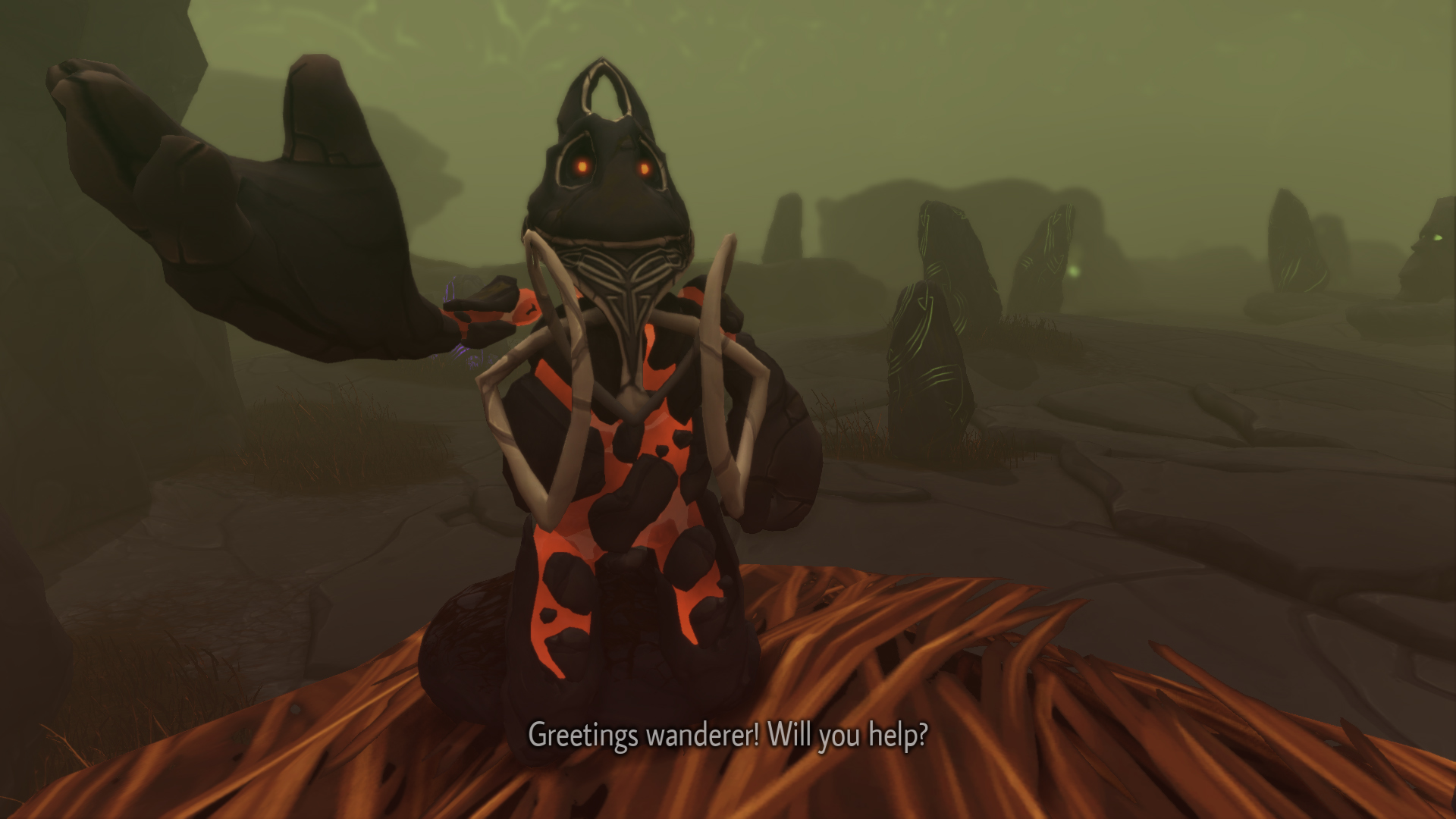
Small update has landed for Proton Experimental. Karmaflow: The Rock Opera Videogame should now work.
In addition to this, the following titles should now have proper video playback:
POSTAL: Brain Damaged Turbo Overkill Slayers X Demo Some bug fixes have been added:
fix The Ball displaying error message on the first launch fix SCP: Secret Labratory crashing on launch after a game update fix Bloons TD 6 crashing on touch input Additionally, copy on write is now used for prefixes on supported file systems.
KDE Plasma 5.25 Released, Adds a New Touch Mode and Dynamic Theming
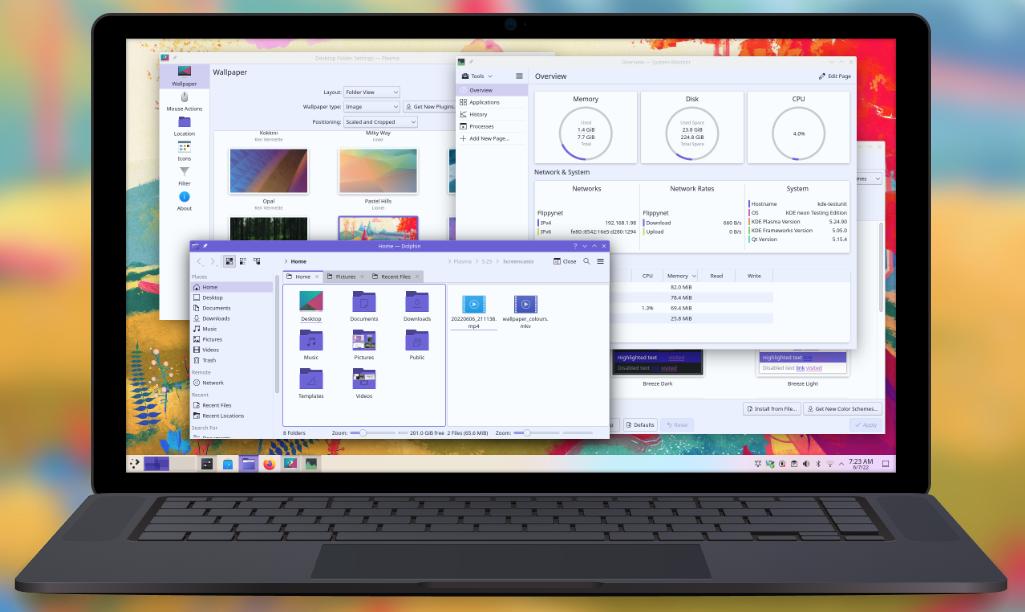
Version 5.25 of the excellent KDE Plasma desktop has shipped today. It probably won’t be long before SteamOS on the Deck gets this update. A brief overview of what’s new with this release would be:
an overview effect, which shows all of your open windows and virtual desktops apps, browser tabs, and documents can all be searched with KRunner and the Application Launcher virtual desktops can be added, removed, or renamed new touchpad gestures to open the Overview, switch between virtual desktops, present windows, or activate the Desktop Grid new touchscreen gestures that offer similar functions as the touchpad dynamic theming based on the colors of your desktop background automatic switching between touch mode and desktop mode depending on if a keyboard is attached.
Steam Deck Client Update Adds a Few Bug Fixes
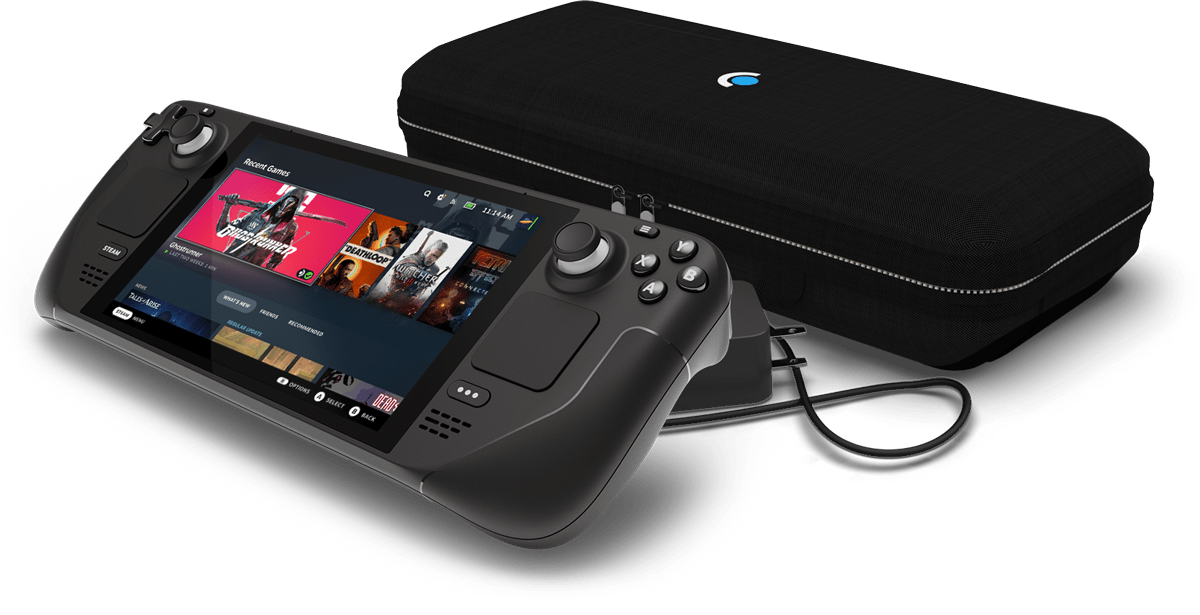
Small update for Steam Deck users has landed today. Performance has been improved for the Recent Games carousel on the Home screen, and a few bug fixes have been added. Changelog is as follows:
Improved performance for the Home screen Recent Games carousel Fixed boot glitching and crashes experienced by some customers Fixed Quick Access volume sliders not working after suspend/resume Fixed an issue in the controller reorder screen where moving to a controller slot higher than the current number of connected controllers would show as ‘!
Proton Experimental Updated, Contains Several Bug Fixes

Proton Experimental has been updated since yesterday and adds bug fixes for several games, including Final Fantasy XIV and Mortal Kombat Komplete. Changes include:
Fix S&box not finding any games to join. Fix The Legend of Heroes: Zero no Kiseki Kai failing to start. Fix Cladun X2 displaying textures incorrectly on AMD GPUs. Fix We Were Here Forever hanging on exit. Fix Split/Second freezing on keyboard input. Fix LAN multiplayer in Split/Second.
NoiseTorch Version 0.12.0 Released, Includes Improved Security
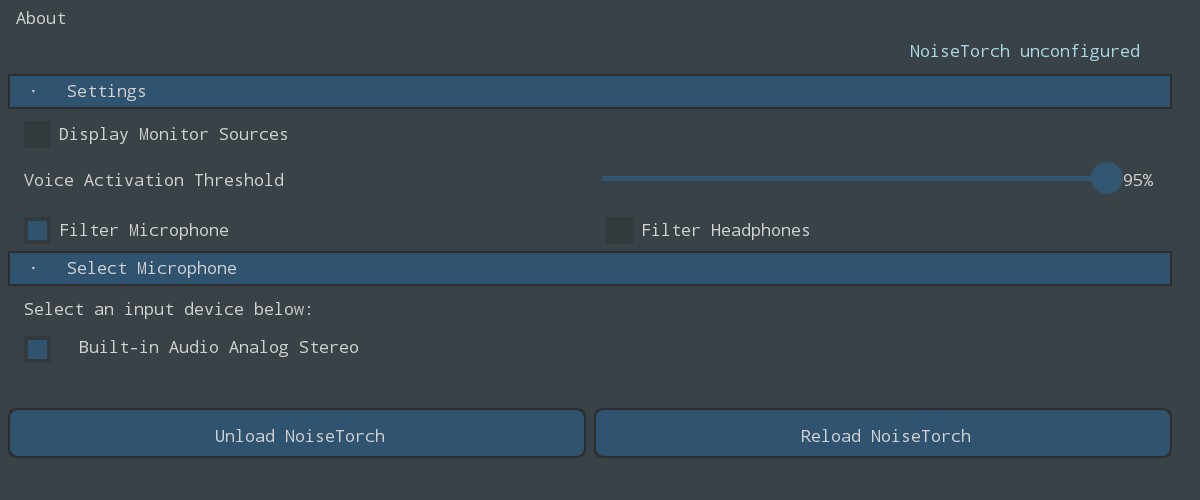
A few weeks ago, NoiseTorch, the popular application that filters out background noise from your microphone, seemed to have been compromised. After a few audits were made by the community, it appears that no malicious code has been found.
In version 0.12.0, a few updates have also landed. Some C components were removed as part of a “small spring cleanup,” a more clear UI better indicates to the user what’s going on, and security has been improved by adding “several GitHub actions to automatically validate and verify the code we have written and will write in the future.
New Steam Client Update Supports More Filesystems, Plus Fixed Color Quality when Streaming to Steam Deck from a Linux Machine

Earlier today Valve released an update to the stable branch of the Steam client. Included in the update is an important fix for Linux and Mac OS users: filesystems that don’t support pre-allocation (FAT32 or ExFAT, for instance) should no longer fail when installing a game or a game update. For the Steam Deck, color quality has been fixed when streaming from a Linux host. A streaming connection should remain intact when Steam has been restarted.
NVIDIA Driver 515.48.07 Released, Improves GameScope Performance
NVIDIA driver version 515.48.07 just got released today. This includes improved performance of applications run through GameScope, as well as plenty of bug fixes. Full patch notes are as follows:
Published the source code to a variant of the NVIDIA Linux kernel modules dual-licensed as MIT/GPLv2. The source is available here: https://github.com/NVIDIA/open-gpu-kernel-modules and will be updated each driver release. Please see the “Open Linux Kernel Modules” chapter in the README for details.
New Steam Deck Client Update, SteamOS 3.2 Now Official
A new Steam Deck client update rolled out yesterday. Steam Remote Play Together is now fully functional, and one of the keyboard themes received improved performance. A few notifications have been added. Full changelog is as follows:
- Remote Play Together is now completely functional on Steam Deck. Includes hosting and joining game sessions. Try out a supported game and open the Quick Access Menu to get started. - Added notification when the Steam Deck's SSD has less than 2GB of free space left - Improved performance of Night Shift keyboard theme - Added the ability to name controller layout commands - Added icons for gamepad and mouse commands shown on in-game virtual menus - Fixed being unable to connect to hidden wireless networks - Added time zone region for Saskatchewan - Added ability to close a window if the running application has more than one visible - Added ability to change accounts from the power menu At the same time, SteamOS as a whole has graduated from the 3.