VKD3D-Proton 2.8 Reduces CPU Overhead, Adds Last-Minute Fixes for The Witcher 3 Next-Gen Upgrade

VKD3D-Proton – the layer responsible for translating DX12 calls to Vulkan, and an essential part of Proton – version 2.8 just released, and “rolls up some significant new developments before the holidays.”
First of all, 2.8 adds support for the VK_EXT_descriptor_buffer extension. This “removes a ton of CPU overhead.” This will particularly benefit desktop users who are on NVIDIA, Intel, Turnip, and “other AMD driver implementations” that are not pertaining to the Steam Deck.
Steam Deck Client Beta Adds Better UI Scaling in Higher Resolutions, Xbox Elite/Switch Pro Layout Preview Pages (Plus SteamOS Update and Proton Hotfix for The Witcher 3)
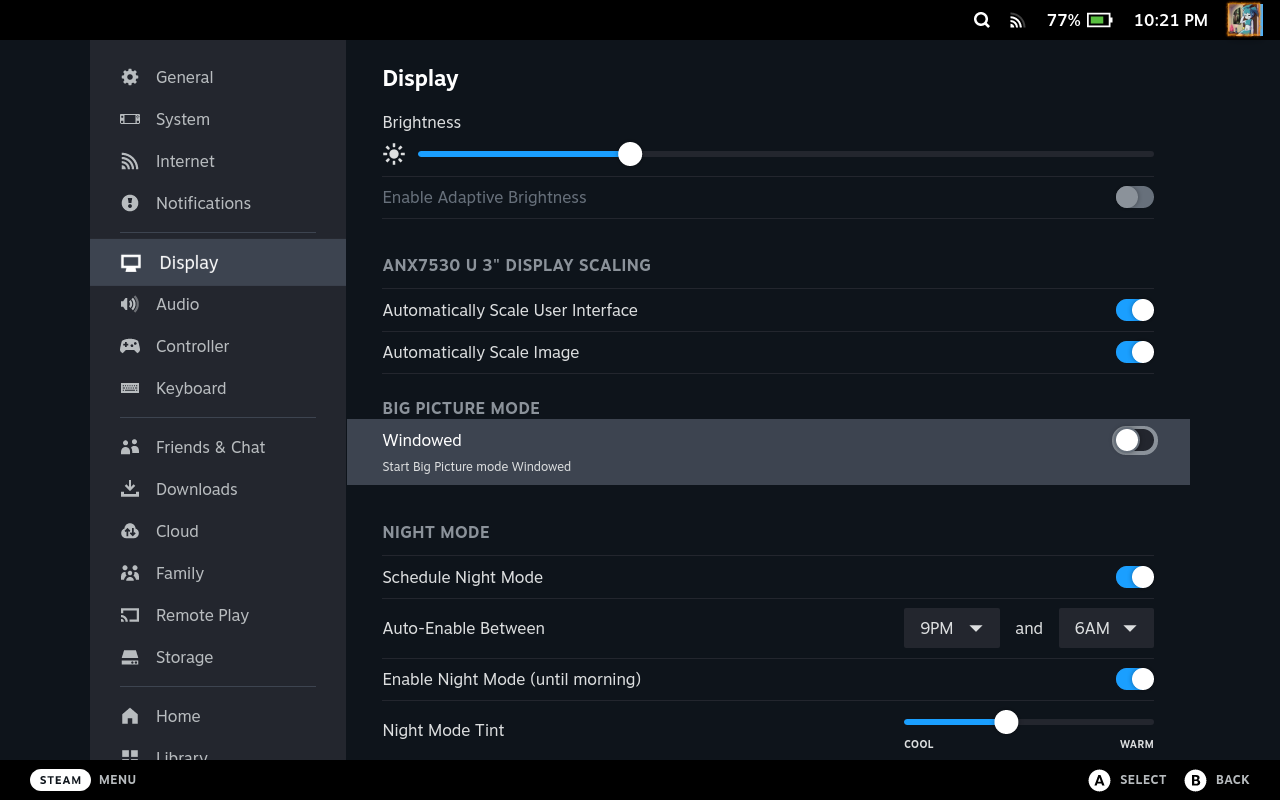
More fixes in yesterday’s Deck client update (beta). Xbox Elite and Switch Pro layout preview pages have been added, Desktop Mode got plenty of fixes, and there’s now an option to launch the new Big Picture Mode in windowed mode. Full patch notes are as follows:
General
Fixed issue where a browser opened by a game was sticking around after closing the overlay Fixed launch options dialog not closing when cancelling game launch Various fixes to make the UI scale better in higher resolutions Fixed issue where the virtual keyboard would continuously be made visible after exiting a game Added option to start in windowed mode under Settings => Display => Big Picture Mode => Windowed Desktop Mode
Heroic Games Launcher 2.5.2 Gets Another Hotfix, Adds Option for DXVK Limit FPS, Arm64 Support for Mac OS
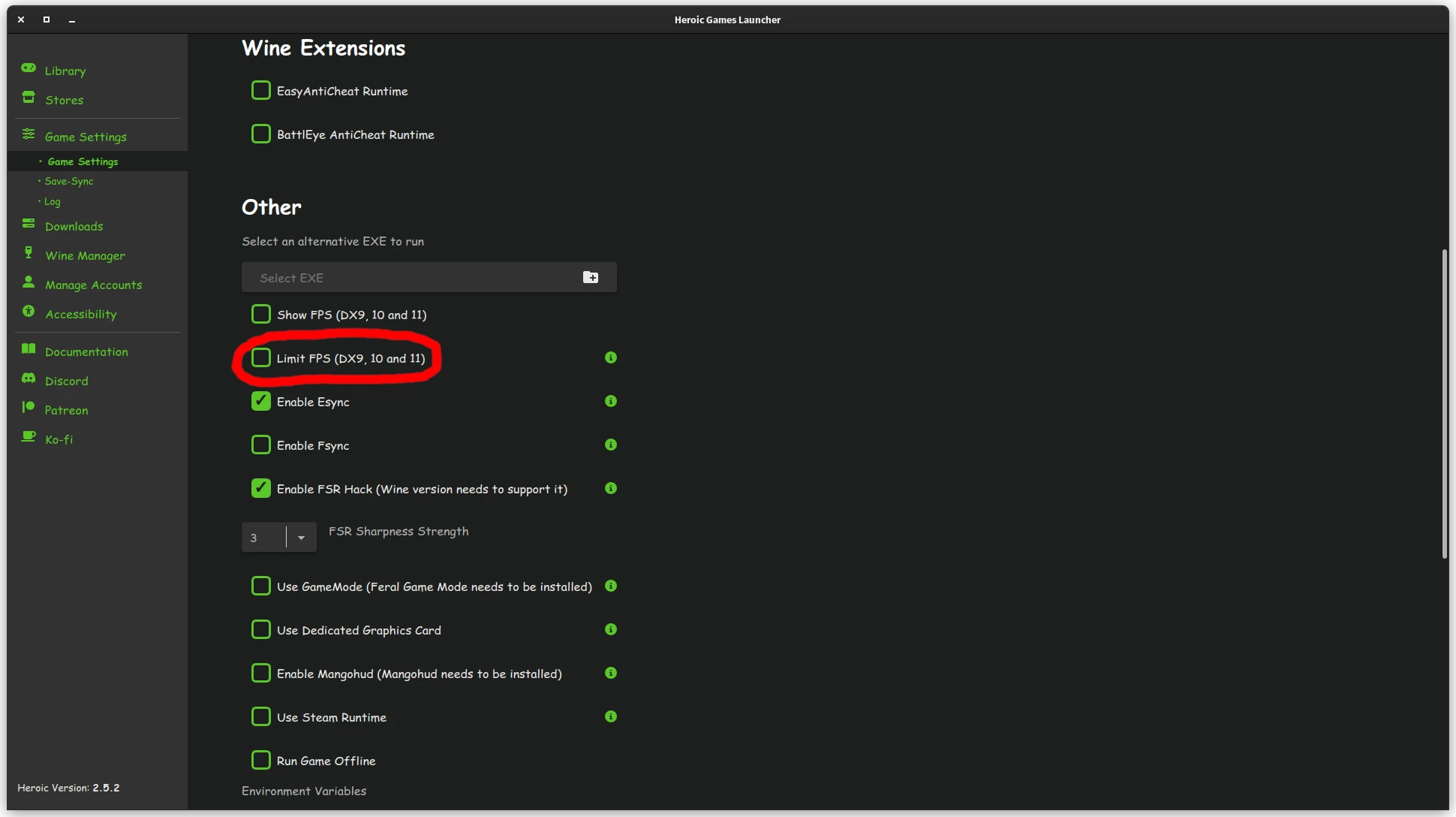
Though 2.5.2 might be labeled as a hotfix, it got a few features as well. Arm64 builds are now available for M1/M2 Macs. The Linux version adds support for a DXVK limit FPS option. DXVK installation has been fixed, the Wine status should now be properly updated after install or uninstall, and some fixes have been added to the UI and GOG saves.
See the full patch notes on GitHub.
Cemu 2.0-21 Gets Vulkan on Wayland Support, AppImage Fixes

Cemu got a pretty sweet update: it now supports Vulkan for Wayland. The AppImage got “minor” fixes; it fixes an incorrect recursive copy and adds a metainfo file. Screenshots should now work across all three operating systems. Some other commits made it in:
fix MSVC workflow automatically scale imgui text based on display pixel density correctly create screenshot directory if it does not exist, and better screenshot error handling PPCAssembler: Fix incorrect cast sign of branch distance calculate make codebase more CPU-agnostic + MacOS disclaimer Linux/MacOS: Use faster clock_gettime() for tick_cached() add check for backwards delete fix SDL controller reversed y axis in UI See the commit history for more details.
Steam Deck Client Beta Fixes OSK On Game Exit, Adds Support for Armor-X Pro Gamepad
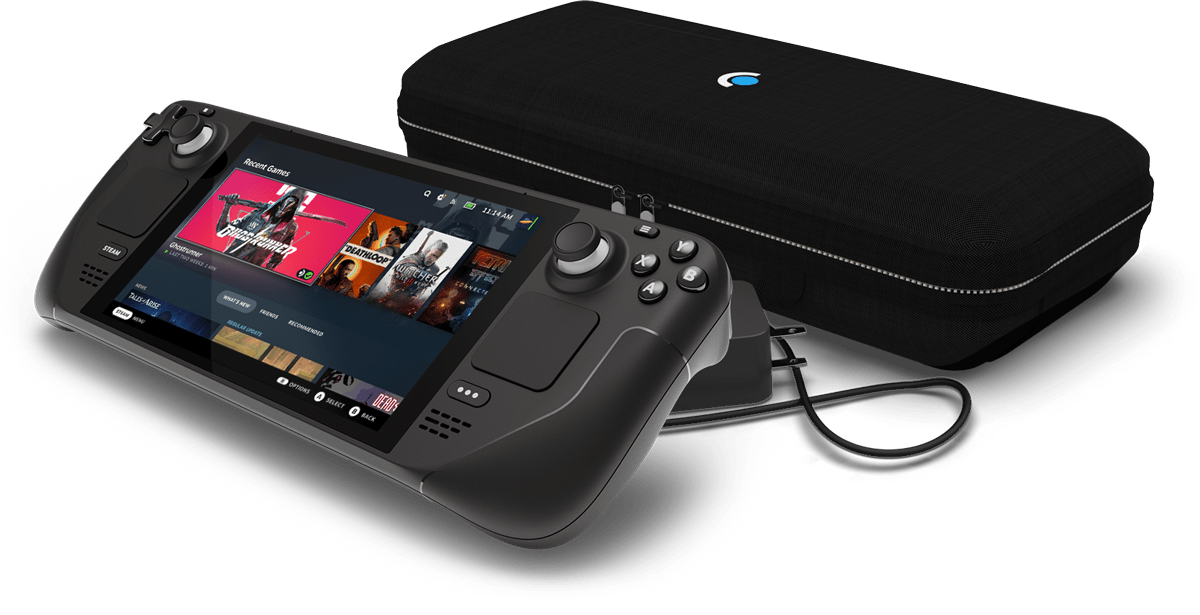
Yet another update slipped my mind. This came out yesterday. The Armor-X Pro pad in PS4 mode is now supported, and several fixes have made it in on desktop and in general. Patch notes are as follows:
General
Fixed keyboard re-opening incorrectly on game exit Added support for the Armor-X Pro gamepad in PS4 mode Fixed long delay at startup when the Razer Huntsman Elite keyboard is plugged in Fixed the Logitech G29 controller showing up as a gamepad instead of a wheel Desktop Mode
Crisis Core Final Fantasy VII Reunion: Steam Deck Report
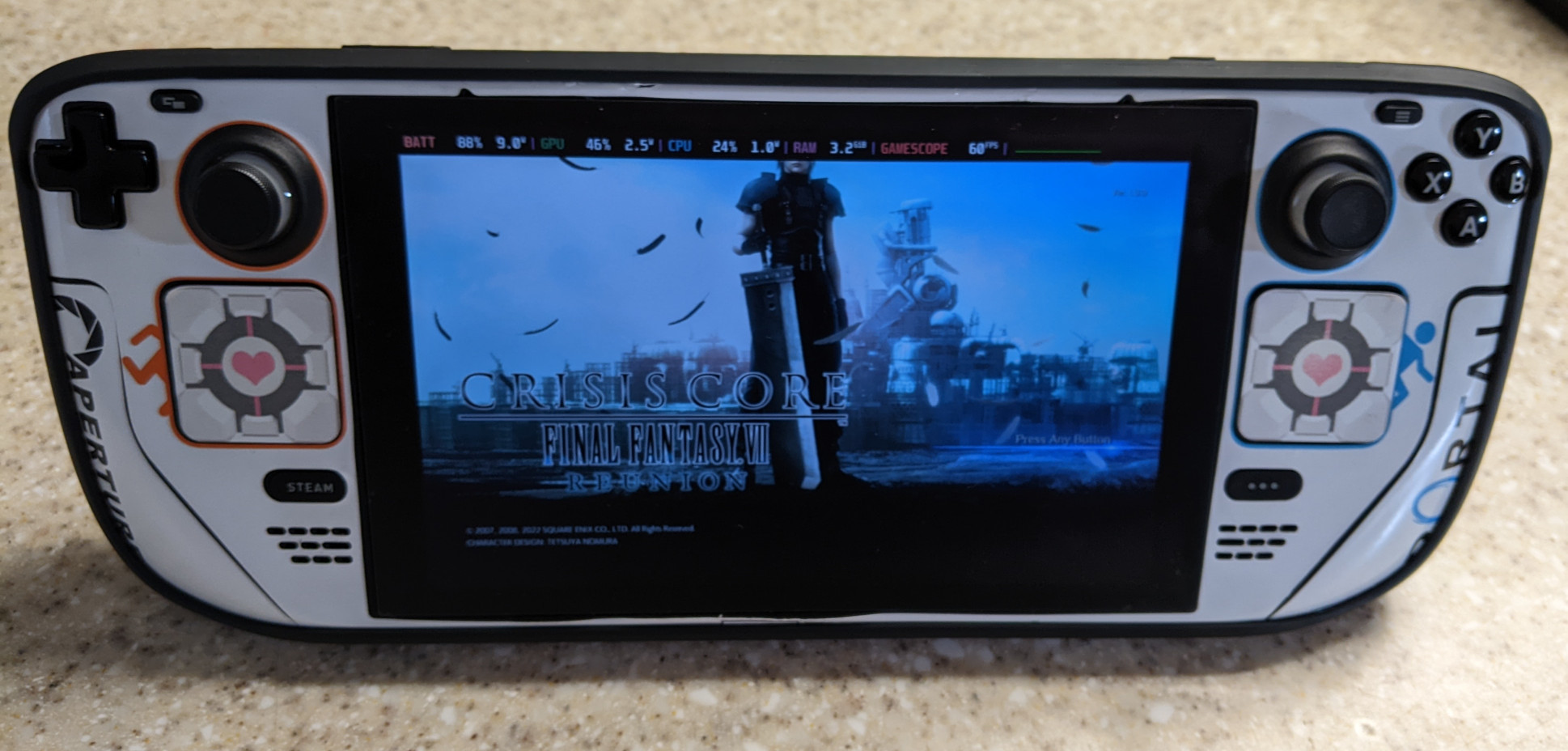
Well well well…the 15-year-old game gets a new makeover. Loved the original back on the PSP. In fact, my older brother at the time took over my PSP and bought the game just so he could play it. Despite it not being as full-fledged of a remake as Final Fantasy VII, I still welcome it, as it’s a really good game.
In a nutshell, the Crisis Core remake has been ported to Unreal Engine and has the following advantages over the vanilla PSP version, besides the obvious graphics upgrade:
Slippi Ranked is Finally Here!
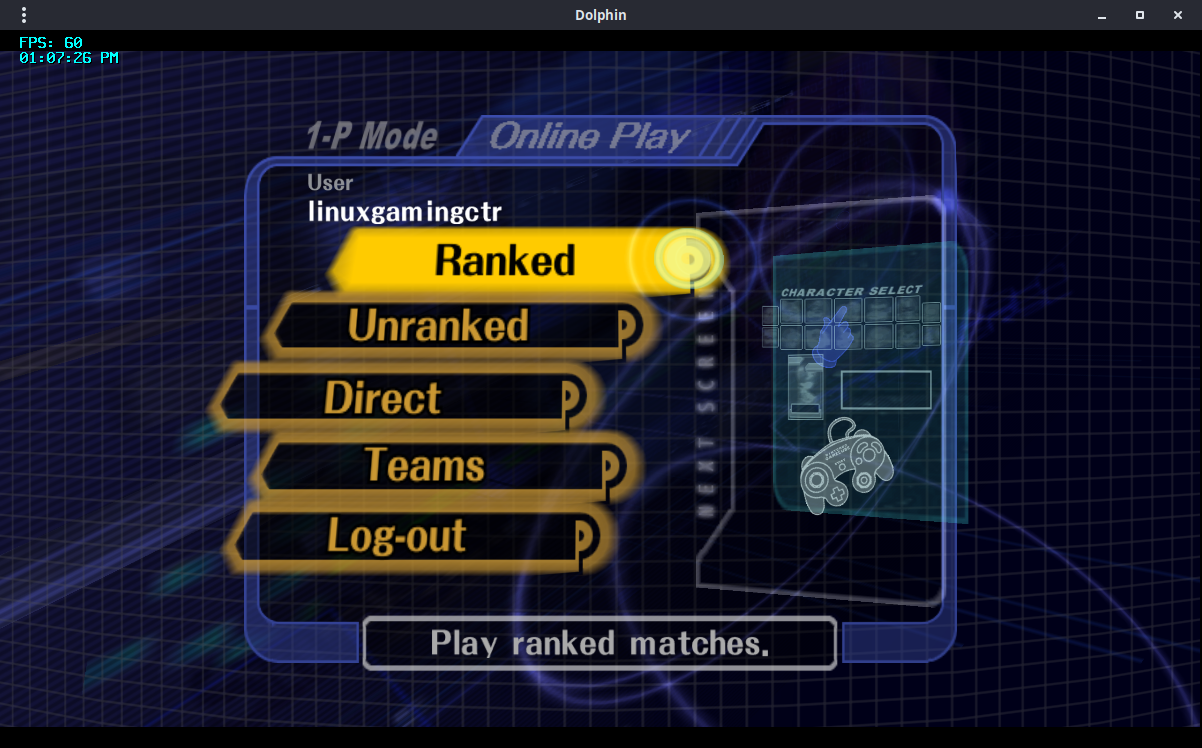
Slippi version 3.0.0 is out. This release has early support for ranked matchmaking! For the time being, ranked matchmaking requires a subscription, the minimum of which will set you back at $5/month. Manage your Slippi account and choose your subscription tier. After that you’ll need to agree to the Terms of Service with the Slippi Launcher. Ranked matchmaking will be free after it comes out of early access. You can also check the leaderboards.
Kernel 6.1 Released, Implements Rust Foundation, Significantly Faster Btrfs, Improved Third-Party Nintendo Gamepad Support
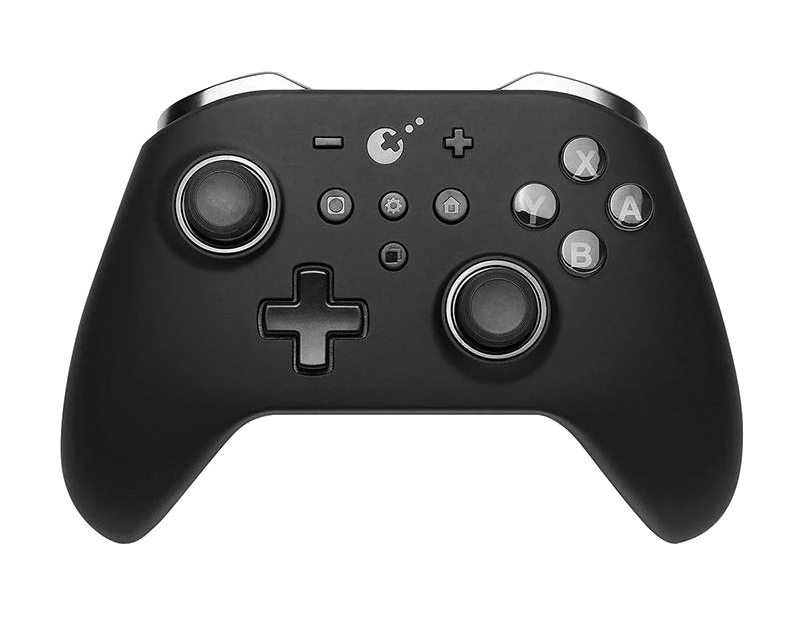
After a week of being held back due to so many changes coming in, kernel 6.1 has now officially become stable and is the next LTS release. It’s quite an exciting release! First of all, we have better support for knockoff Nintendo controllers. Second, Rust has finally made its way in, although we’re not really going to see anything significant as only the infrastructure has been re-written so far. Kernel 6.
Weekly News Recap (Clone Hero, Game Awards 2022, Launch Heavy)
Steam Deck Thursday’s Deck client update (beta) fixes the “exiting forever” state and allows user to use a default option when launching a game Friday’s Deck client update (beta) fixes DLC on hover, properly enables gyro for Switch gamepads got a nice bag by WaterField Designs, but it’s terribly expensive increase performance with CryoUtilities GOL has a guide on how to fix Grounded Native Games Earth of Oryn, an upcoming strategy game, looks like it will get native Linux support when it hits the $40k goal on Kickstarter Hardware System76 has the Launch Heavy should you need a fully customizable keyboard.
Steam Deck Client Beta Fixes DLC Hover, Gyro for Switch Controllers
Small update for the Deck is all fixes. Patch notes are as follows:
General
Fixed the new Big Picture Mode overlay being incorrect[ly] sized when the monitor is set to display scaling other than 100% Fixed DLC hover on game details page being cropped Steam Input
Fixed an issue with gamepad navigation in the Steam Deck haptics calibration screen Fixed an issue w/ enabling Gyro for Switch controllers If you’re on desktop and you’re opted into the beta branch for Steam, there is a similar update available, with the addition of a MacOS bug being fixed in regards to the close button on the Steam login window.