Deck Client Update (Beta) Adds Adjustable External Monitor Settings and Fixes Guides/Acheivements in the Overlay
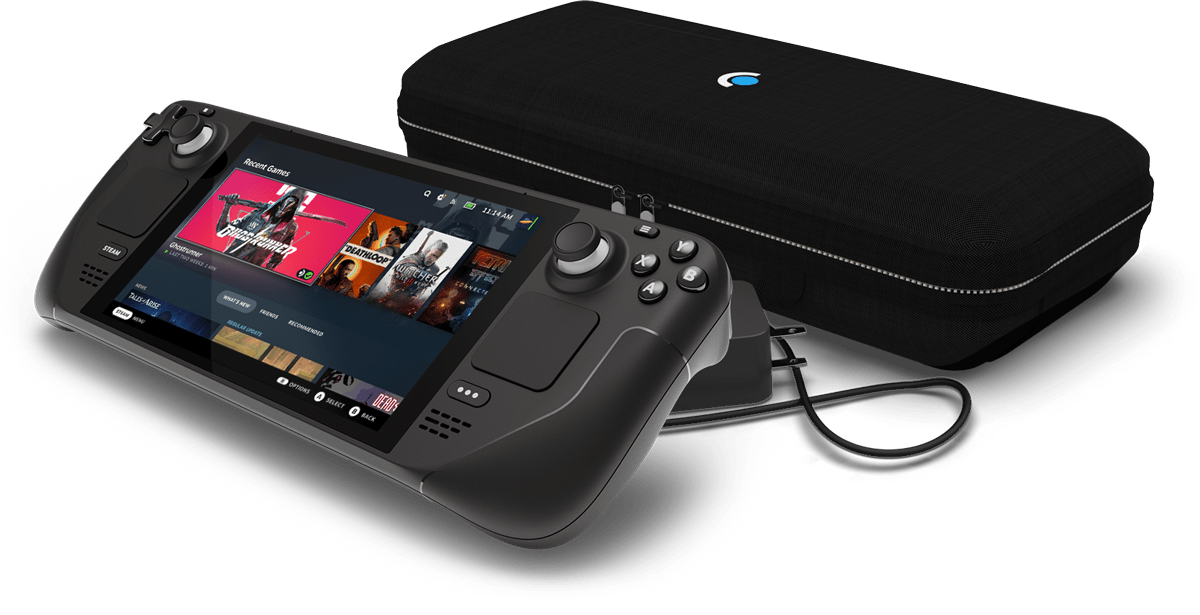
A new Deck client update has rolled out on the Beta and Preview channels. It’s small but contains a few bug fixes. You’ll particularly like this one if you dock your Deck to an external monitor and “have overscan issues.” Some bugs have also been fixed in regards to viewing guides in the overlay, or when viewing acheivements. Patch notes are as follows:
Added ability to adjust image display settings for external displays that have overscan issues Fixed issues with some images being too large when viewing guides in the overlay Fixed spoiler tags in guides to be selectable so that they can be revealed Fixed issue with medium length game names in the Main Menu Overlay not properly scrolling Fixed Achievements page not updating properly when a new achievement was earned Patch notes can also be seen on Steam.
Vulkan Now Available in Ryujinx (Without using the PR)
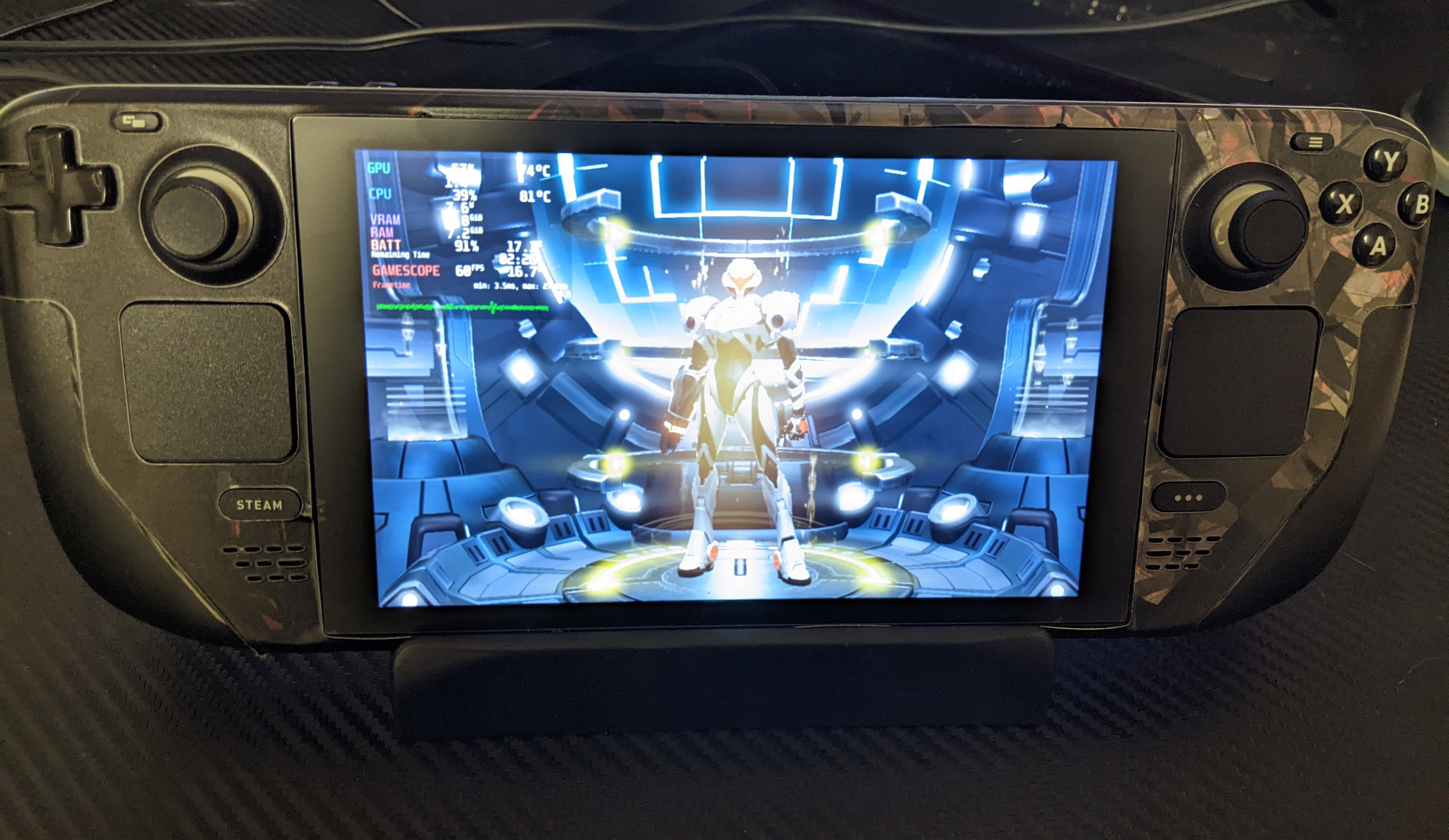
Great news for those of you who use Ryujinx, the Nintendo Switch emulator. Vulkan is now been merged with the main build! You no longer need to use the PR build.
This has been a long time in the making, and I’m not going to go over the tremendous amount of benefits this backend has over OpenGL; you can read the blog post from the Ryujinx team if you want to learn more.
Kernel 5.19 Released, Adds NVMe Support for M1 Chips and Further Support to Intel’s Discrete GPU
Kernel 5.19 released as stable just a few hours ago. Notable features include further Zen 4 APU support, further support for the Intel DG2/Alchemist GPU, idle driver support for Alder Lake processors, initial support for Raptor Lake P processors, Apple M1 NVMe controller support, and tons of other features/bug fixes/performance improvements. There’s also supposedly performance improvements for the HP Dev One. Linus himself wrote regarding the ARM support for MacBooks:
Easily Install GE-Proton on Deck with Compatibility Tools Manager (Crankshaft Plugin)
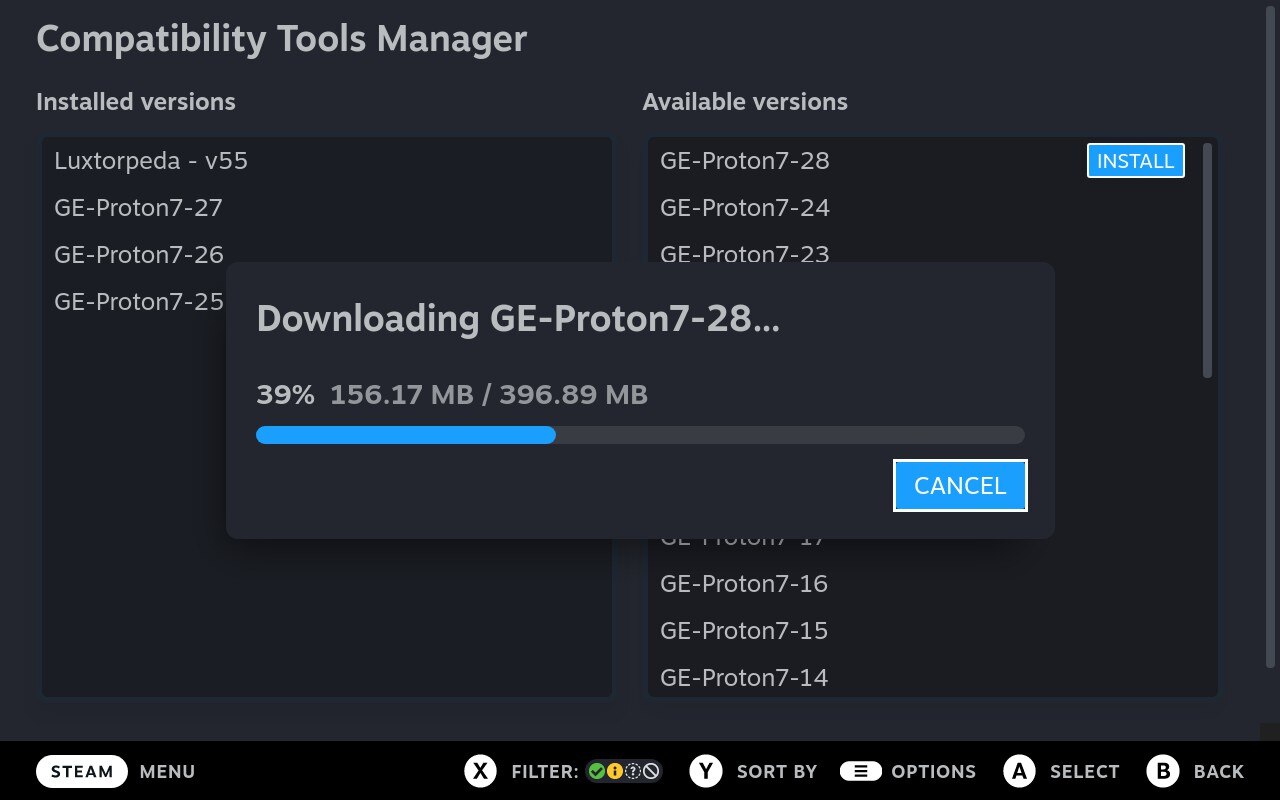
There’s another Crankshaft plugin that I wanted to highlight: Compatibility Tools Manager. With this plugin installed on the Steam Deck, you can quickly obtain the latest version of GE-Proton without having to resort to Desktop Mode. Just install it, then you will be prompted to restart the Deck. It’s that simple.
You can see here after installing the latest version (7-28 at the time of writing this) and restarting the Deck, it’s now available in the compatibility list.
News for July 23-29 (Flatpak Firefox on Deck, Launch Lite Review, Steam Deck Skins Coming In, AM2R Launcher on Flathub)
Steam Deck I’m getting some skins for review. Should be getting them sometime next week. I may also be getting the DeckMate accessory for review as well. Good times ahead! if you haven’t already, subscribe to my YouTube channel, as I will daily be posting a different game being played on Deck SDHQ has a Crankshaft plugin in which you can easily check SDHQ ratings for games that have been reviewed capture footage with Recapture.
Mojotron: Robot Wars Is An Upcoming Open-Source Twin-Stick Shooter Where You Play as a Cybernetic Monkey

Dulsi (or Dennis Payne), one of the developers of Anagramarama (and one of our recommended FOSS games), has made mention on our Matrix channel that he’s working on another open-source game. It’s called Mojotron: Robot Wars. It’s a twin-stick shooter that has SNES-era graphics, in which you play as a monkey called Mojo. Per the game page:
In 2085, the last of humanity died. The machines had won. Mojo doesn’t know why they continued experimenting on monkeys.
Proton Experimental Update Enables Compatibility with Unravel 2 and Zuma’s Revenge, Fixes OUTRIDERS on Deck

New Proton Experimental update has just landed. It’s a relatively small update but you’ll like it if you happen to be a fan of either Unravel 2 or Zuma’s Revenge! Both games are now playable.
In addition, performance for HROT has been improved. Fixes have been added to Civ IV and OUTRIDERS – the former should no longer crash on world creation, and the latter should no longer hang on the black screen when launching the game on the Steam Deck.
Launch Lite by System76 – A Solid, Portable Keyboard
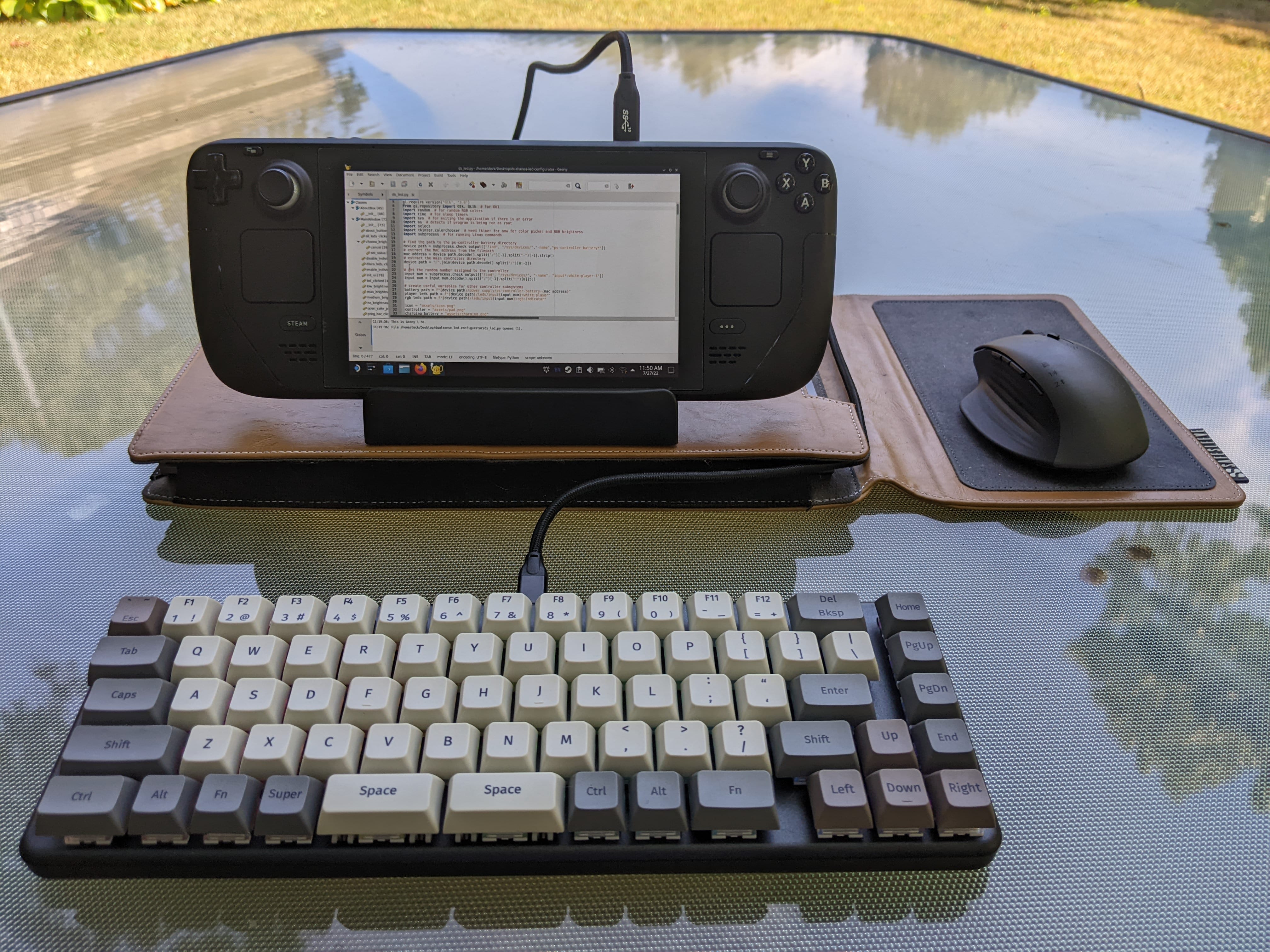
Keyboards…I’d argue they’re pretty essential for everyday life. Whether you’re a writer, a web developer, a programmer, or someone who needs to respond to an angry Twitter comment, they’re important to have. There’s arguments to be made on whether the keys should be clicky, tactile, soft, quiet, ergonomic, or how fancy the LEDs should look. Me, I’d rather just be able to type efficiently. I don’t care whether it’s loud, quiet, very large in size or small.
New Beta Deck Client Update Adds Temperature Notification And Several Bug Fixes
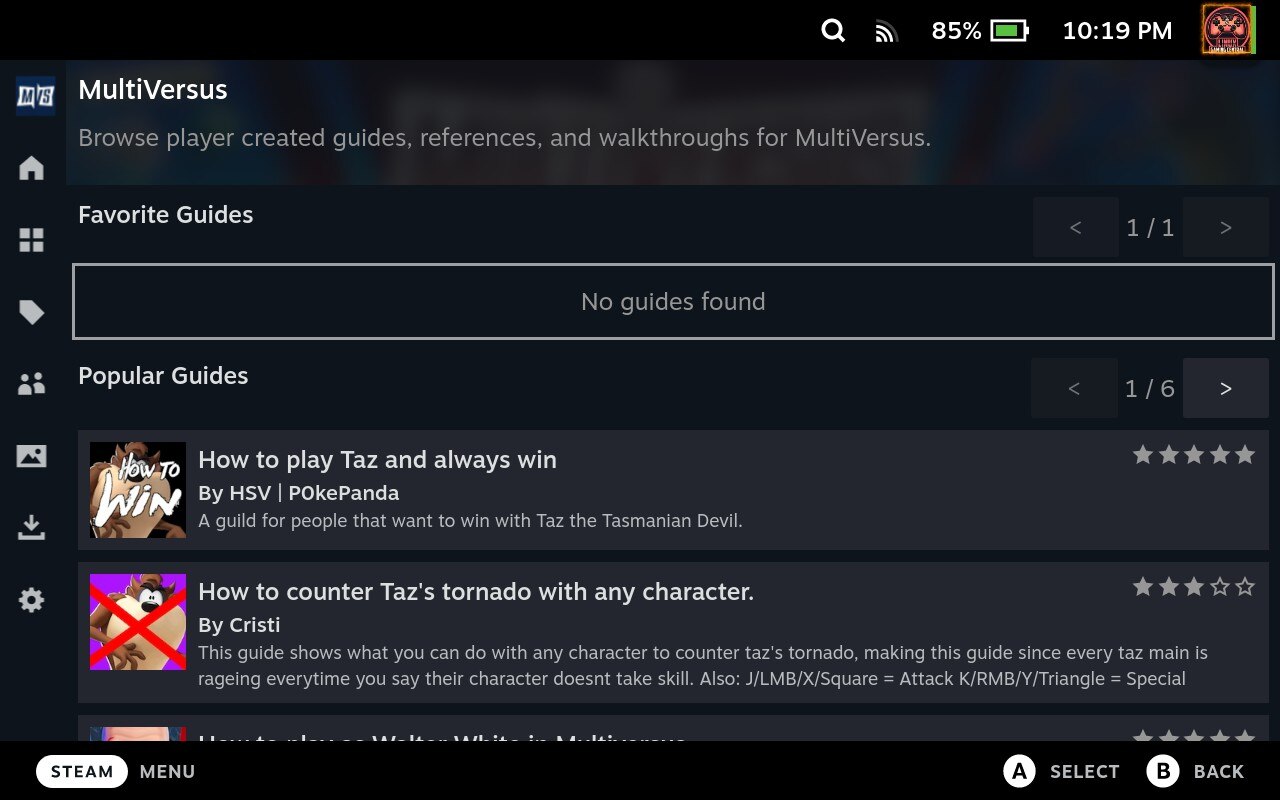
New Steam Deck client update has rolled out to those on the Beta and Preview branches. Particularly noteworthy changes include the addition of a temperature checker that warns the user if the Deck is outside the safe operating range, favorite/popular guides have been added as an option to the Steam overlay, and sounds are no longer played when an achievement has been earned. Besides this there have been several bug fixes, including performance issues for those who have a lot of screenshots, and issues with the Steam overlay for games that don’t have achievements.
Valve Quietly Upgrades SteamOS to 3.4 – Stock Firefox Now Removed
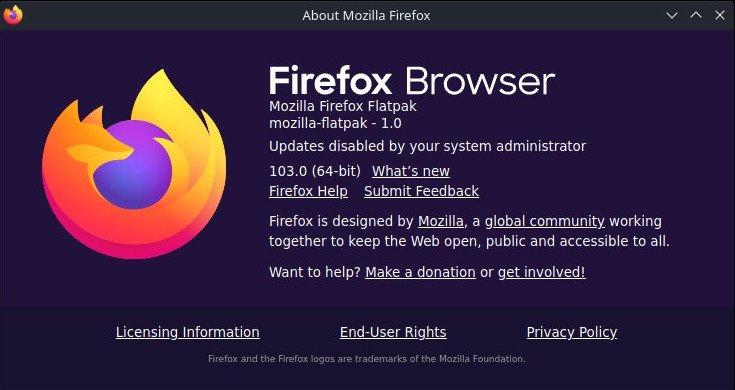
UPDATE: the SteamOS beta update is now official. As confirmed, Firefox is now Flatpak-based. There’s also a new theme for the Plasma desktop, network connections are shared between Desktop and Game Mode, a small update for Chinese, Japanese, and Korean keyboards, the controller firmware has been updated, and the Xbox login window should now render characters that were previously hidden.
Looks like a new update has shipped to SteamOS on the “Main” OS update channel, but don’t get your hopes up – almost everything that I mentioned in my SteamOS piece, those packages have not been upgraded.