Mojotron: Robot Wars Is An Upcoming Open-Source Twin-Stick Shooter Where You Play as a Cybernetic Monkey

Dulsi (or Dennis Payne), one of the developers of Anagramarama (and one of our recommended FOSS games), has made mention on our Matrix channel that he’s working on another open-source game. It’s called Mojotron: Robot Wars. It’s a twin-stick shooter that has SNES-era graphics, in which you play as a monkey called Mojo. Per the game page:
In 2085, the last of humanity died. The machines had won. Mojo doesn’t know why they continued experimenting on monkeys.
Proton Experimental Update Enables Compatibility with Unravel 2 and Zuma’s Revenge, Fixes OUTRIDERS on Deck

New Proton Experimental update has just landed. It’s a relatively small update but you’ll like it if you happen to be a fan of either Unravel 2 or Zuma’s Revenge! Both games are now playable.
In addition, performance for HROT has been improved. Fixes have been added to Civ IV and OUTRIDERS – the former should no longer crash on world creation, and the latter should no longer hang on the black screen when launching the game on the Steam Deck.
Launch Lite by System76 – A Solid, Portable Keyboard
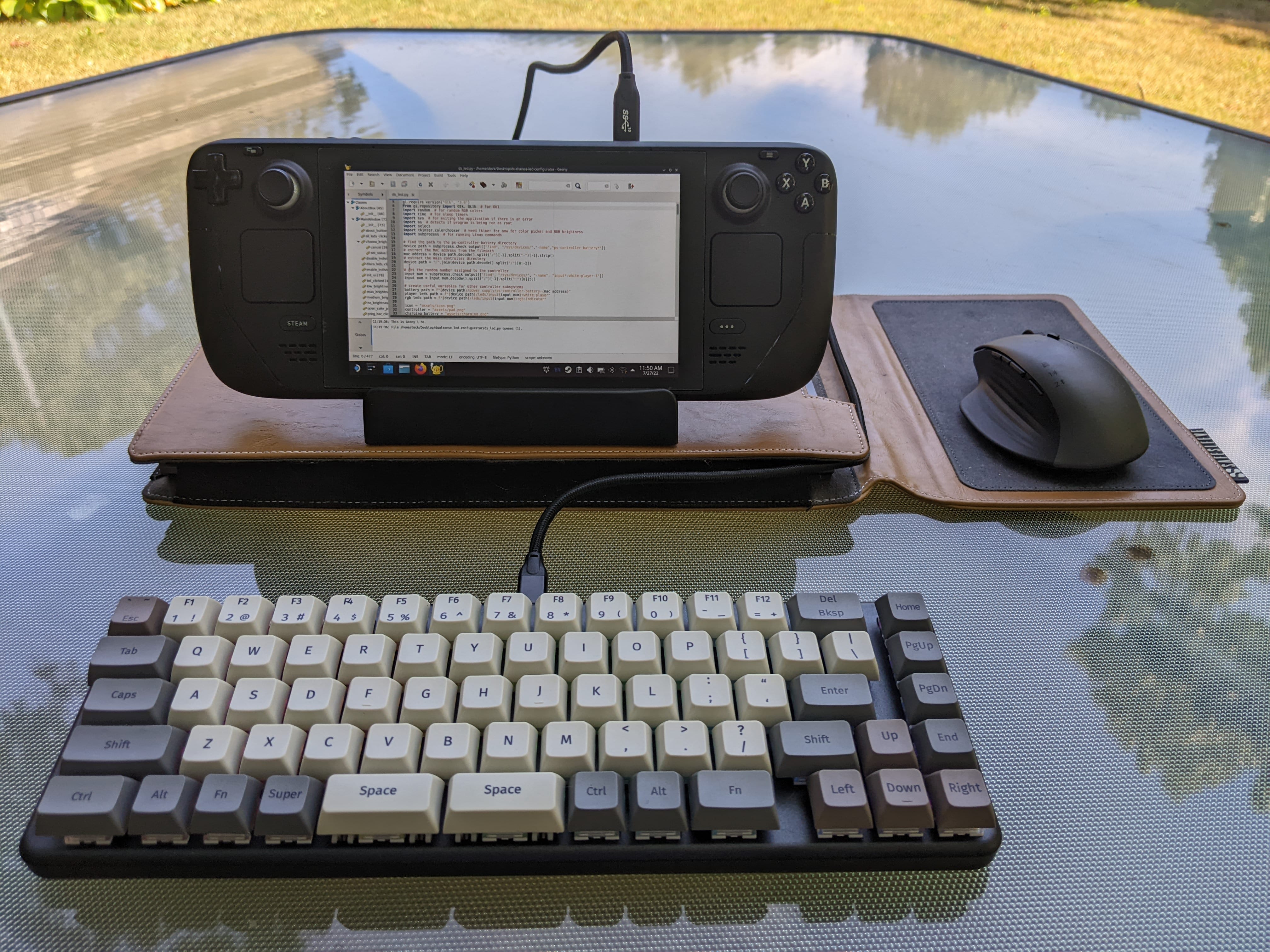
Keyboards…I’d argue they’re pretty essential for everyday life. Whether you’re a writer, a web developer, a programmer, or someone who needs to respond to an angry Twitter comment, they’re important to have. There’s arguments to be made on whether the keys should be clicky, tactile, soft, quiet, ergonomic, or how fancy the LEDs should look. Me, I’d rather just be able to type efficiently. I don’t care whether it’s loud, quiet, very large in size or small.
New Beta Deck Client Update Adds Temperature Notification And Several Bug Fixes
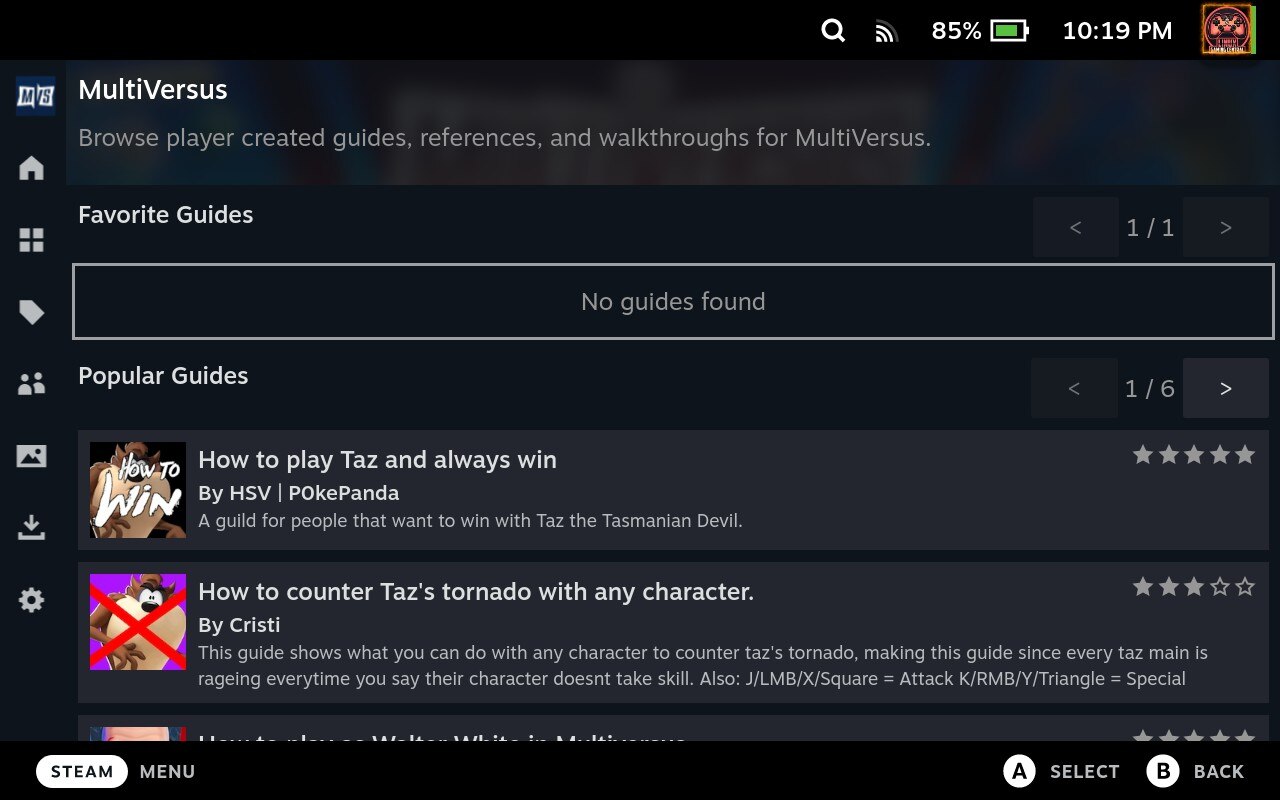
New Steam Deck client update has rolled out to those on the Beta and Preview branches. Particularly noteworthy changes include the addition of a temperature checker that warns the user if the Deck is outside the safe operating range, favorite/popular guides have been added as an option to the Steam overlay, and sounds are no longer played when an achievement has been earned. Besides this there have been several bug fixes, including performance issues for those who have a lot of screenshots, and issues with the Steam overlay for games that don’t have achievements.
Valve Quietly Upgrades SteamOS to 3.4 – Stock Firefox Now Removed
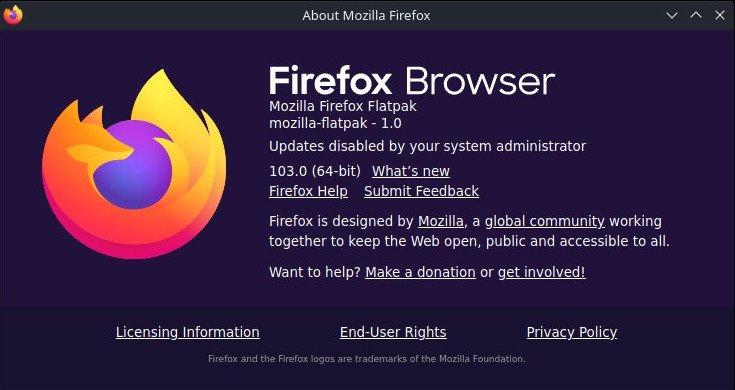
UPDATE: the SteamOS beta update is now official. As confirmed, Firefox is now Flatpak-based. There’s also a new theme for the Plasma desktop, network connections are shared between Desktop and Game Mode, a small update for Chinese, Japanese, and Korean keyboards, the controller firmware has been updated, and the Xbox login window should now render characters that were previously hidden.
Looks like a new update has shipped to SteamOS on the “Main” OS update channel, but don’t get your hopes up – almost everything that I mentioned in my SteamOS piece, those packages have not been upgraded.
GE-Proton7-27 – The Halo Patch
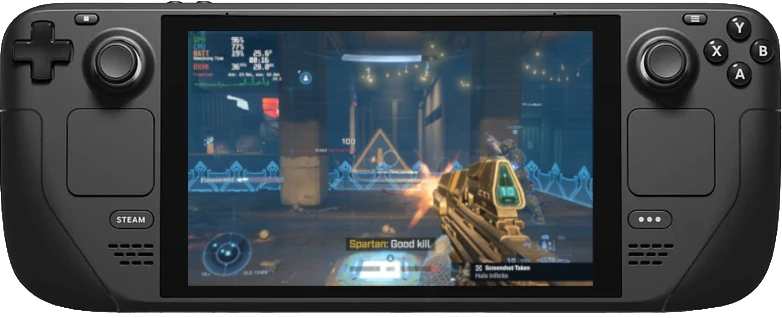
Pretty big release for GE-Proton today, and it seems like it mostly centers around getting some more issues with Halo Infinite fixed.
First, dxvk, vkd3d-proton, and Wine have all been updated to the latest git. All three components have gotten the necessary patches for Halo Infinite merged. The campaign mode is playable now (even though it was technically working before, based on some reports I heard) and apparently there’s no need to rename or delete the video files anymore.
How to Install Mods for MultiVersus
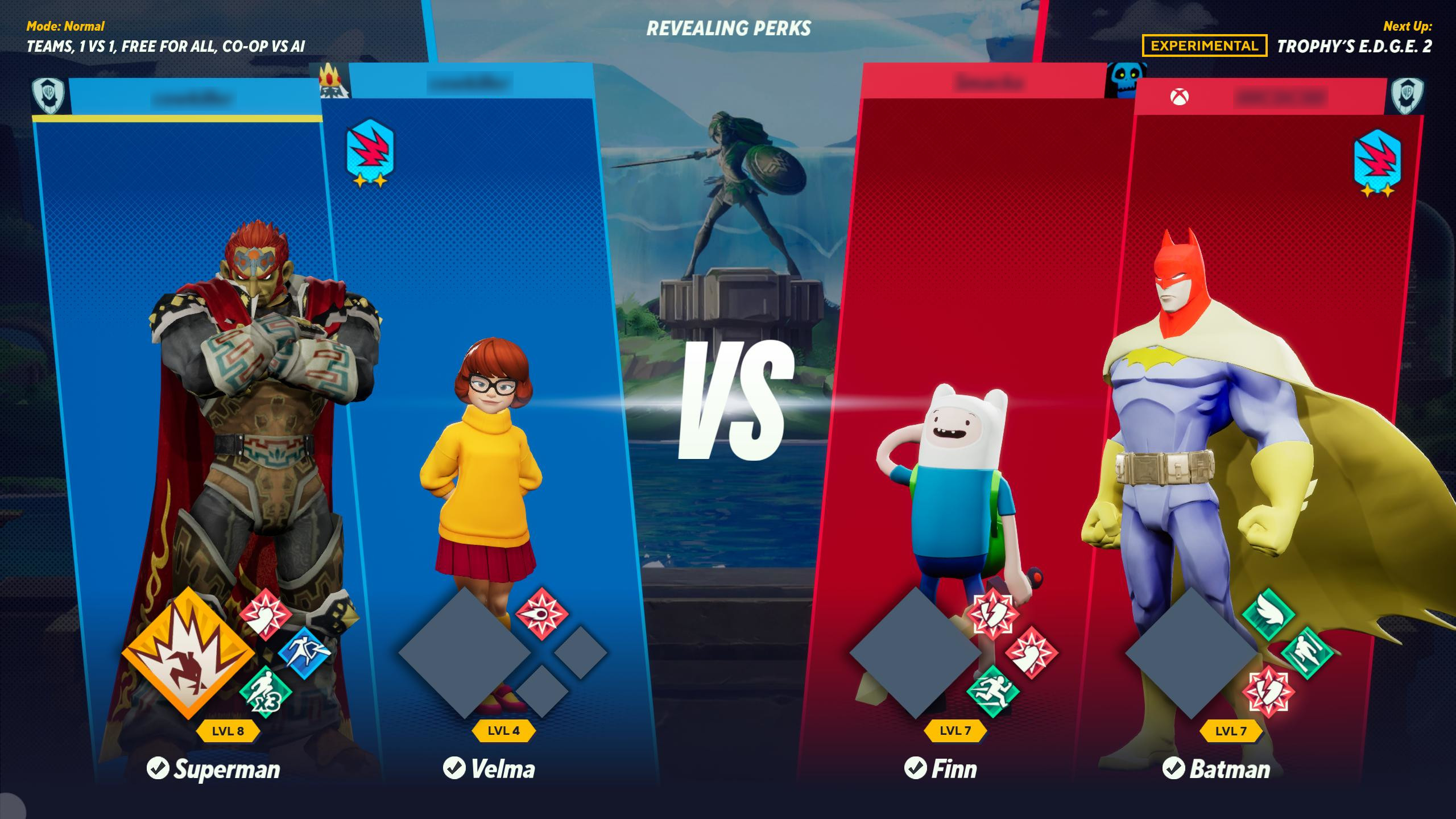
MultiVersus hasn’t even reached a stable state yet, but the modding community has already made it possible to add your favorite characters from other games. Want to add Link over Wonder Woman? Ganondorf over Superman? Waluigi over Shaggy? A darker-colored skin for Harley Quinn, based on her appearance in Injustice 2? It’s possible! Best part is, it’s dead simple. Just a matter of downloading the mod and putting it into the appropriate folder.
ChimeraOS Turns 3

While I was lurking in the community Discord, I found out that ChimeraOS – essentially the fans’ version of SteamOS 2.0, featuring much more up-to-date packages and some other goodies, while still retaining the console-like experience – had its’ third anniversary last Friday. I’m more or less going to paste what I said in that Discord:
“I had reviewed the distro over on Boiling Steam two years ago. I remember I installed it on a small, red cube-shaped PC I had at the time.
You Don’t Need to Buy a Capture Card for the Deck
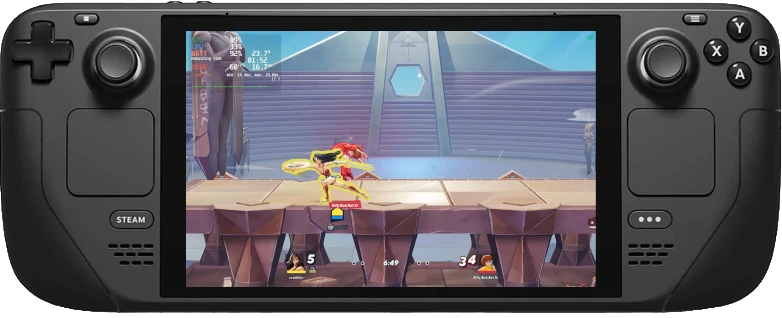
So just as I was about to splurge $100 on a capture card, just for the sake of recording Steam Deck footage, I discovered a plugin for Crankshaft: Recapture. This plugin allows you to record on the Deck – in much the same way as capture software like OBS – without the need for an external capture card.
I tried it briefly with MultiVersus. At native 800p resolution and high settings, the framerate didn’t dip at all while recording.
Easily Check Steam Deck HQ Ratings with the Crankshaft Plugin
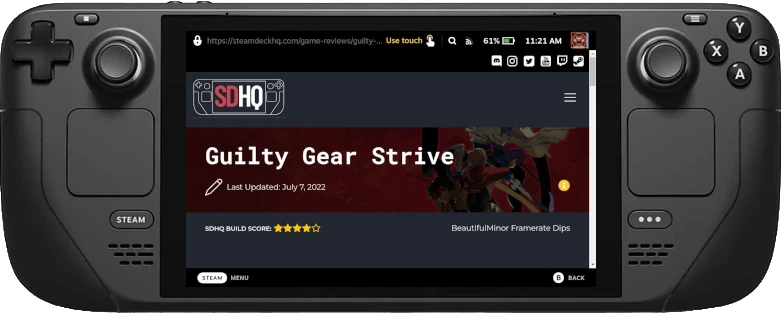
Though being able to check ProtonDB ratings at a glance on Deck is a useful feature to have with Crankshaft, you can now get more detailed reports on various games, thanks to the Steam Deck HQ plugin. As you might have guessed by the name, the compatibility details are extracted from the reviews posted on Steam Deck HQ.
Check out the guide from them on how to get Crankshaft installed on the Deck.